Free, No-Ad Games That Build Kids' Skills
By Jangul Aslam · Published 2026-06-04
Finding a genuinely free game for your kid usually means wading through ads, pop-ups, and "create an account to continue" walls. It shouldn't. Every game on iplay.free plays instantly in the browser — no ads, no sign-ups, no downloads, nothing to buy. It's a growing collection of games in 12 languages, with light and dark themes and built-in hints. Here's a parent-friendly shortlist, grouped by age and by the skill each one quietly builds.
A quick note on ages: every game shows an open-ended badge like "Ages 7+", because any older kid (or grown-up) can enjoy it too. The groups below are about where a game starts being a great fit.
Under 6: gentle wins
Younger kids do best with short, forgiving games — simple rules, quick wins and nothing to read.
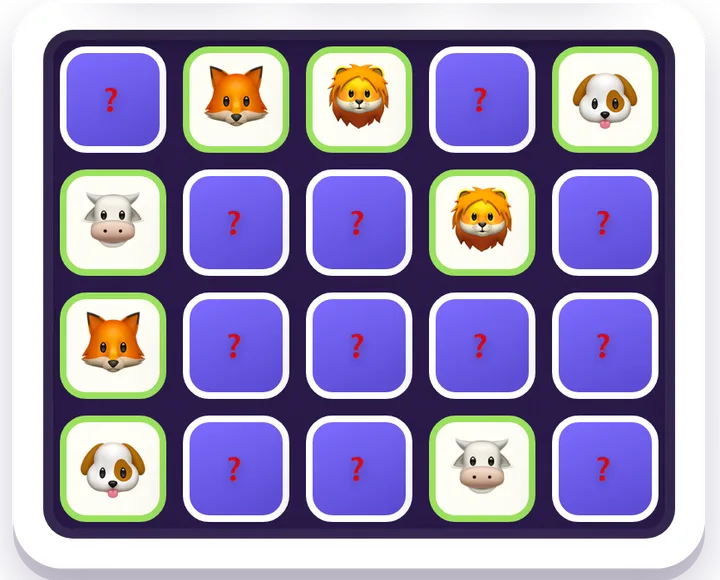
- Memory Match — the classic concentration game; pure recall.
- Simon — watch the sequence, then repeat it back; working memory.
- Pattern Flash — a few squares glow for a moment, then you tap them back; three lives per level, so one miss isn't the end.
- Snake — simple controls, big smiles, a little forward planning.
Browse more in memory games.
Three more that start at 5, each from a different shelf of the site:
- Tangram — fill a shape with all seven pieces; on Easy the piece lines are drawn in. More shape puzzles in puzzle games.
- Mancala — sow seeds around the board and out-collect the computer; counting with a plan, and a nice one to learn side by side with a grown-up. It lives in board games.
- Brick Bop — paddle-and-ball: bounce the ball, break every brick, three lives. More in arcade games.
For a longer list at this age, see our free no-ad games for ages 4–6.
Ages 6–8: logic starts to click
This is the sweet spot for first real puzzles.
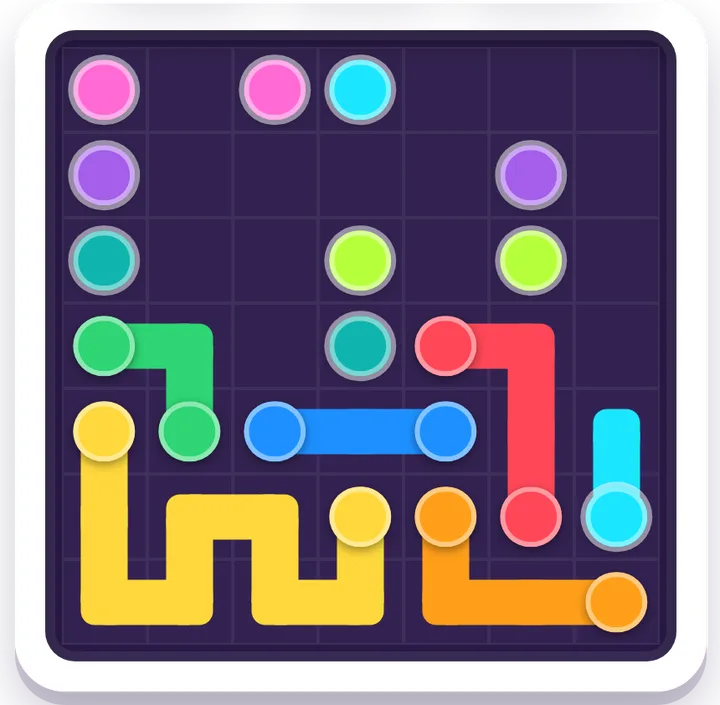
- Flow Connect — link the matching dots into pipes without crossing; pure path-finding.
- Lights Out — toggle the grid until it's dark; cause and effect.
- Mahjong Solitaire — clear the layout by matching free tiles; concentration and planning.
- Word Search — spelling and letter-spotting.
There's plenty more at this level too — Word Guess (a Wordle-style game with a new word every round, and no once-a-day limit), Slide Quest, Block Drop, Candy Match and Solitaire. See the full set of logic games and word games.
Spatial and strategy
- Klotski — slide the blocks to free the big square; the famous classic layout takes 81 moves at best.
- Lot Shuffle — slide the cars and trucks along their lanes to let the red car out.
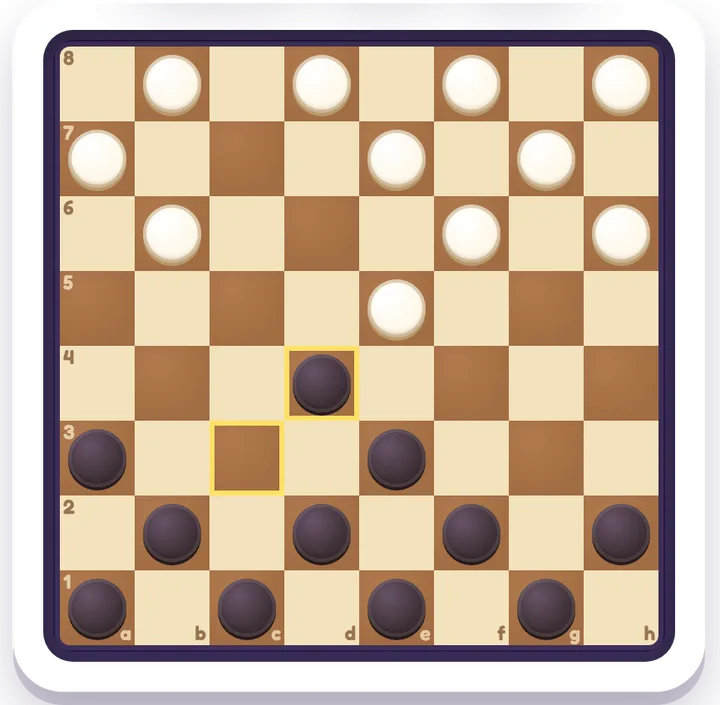
- Checkers — jump, capture and crown kings against the computer, with American, Brazilian or Russian rules.
- Gomoku — take turns placing stones and get five in a row before the computer does.
The sliding puzzles live in the spatial hub, next to Slide Quest. Checkers, Gomoku and Mancala are in board games — all three are played against the computer, with a Hint and an Undo when you need them.
Numbers
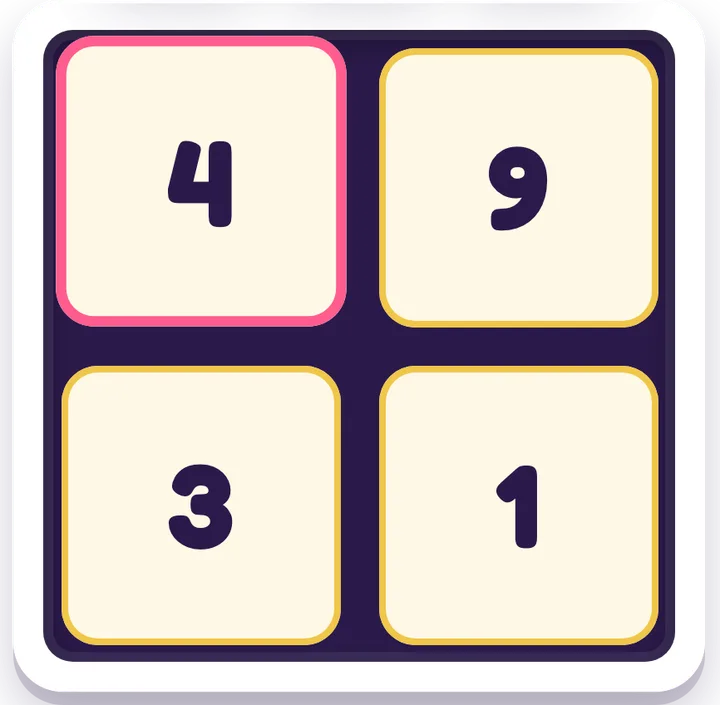
- Number Smith — join four numbers with + − × ÷ to hit the target: Make 10 on Easy, Make 24 on Medium, Tricky 24 on Hard.
- Box Split — split the grid into boxes so each number is its box's size; tap a number to see its factor pairs, and each puzzle has exactly one answer.
Both sit in the math games hub with Sudoku and 2048. Our math practice games post goes deeper.
Ages 9–11: deeper thinking
Older kids can take on games with real strategy and deduction.
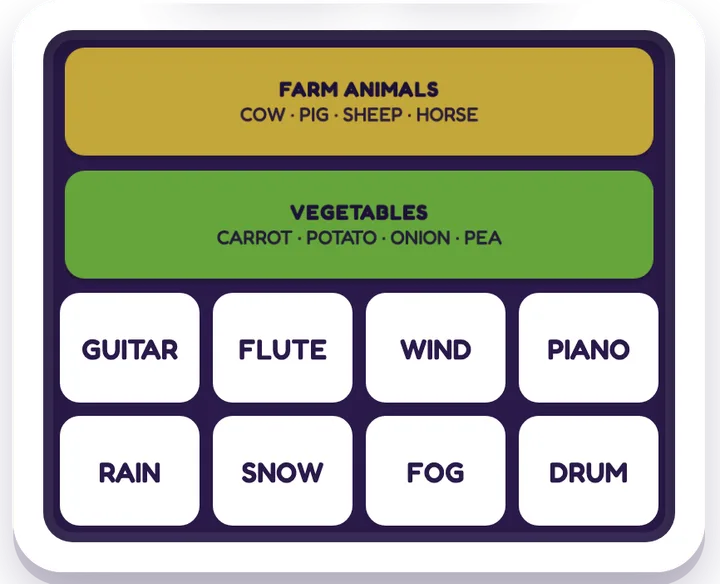
- Connections — group sixteen words into four hidden sets; vocabulary and lateral thinking.
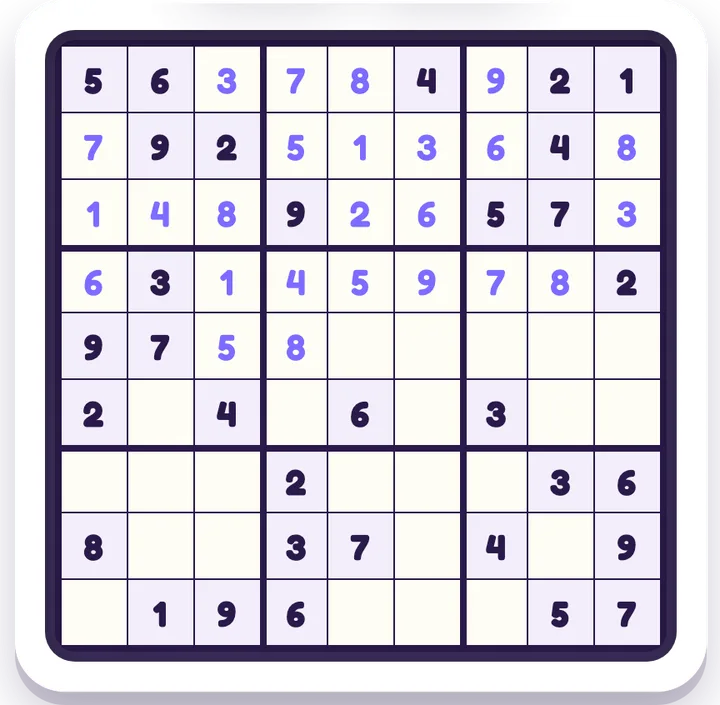
- Sudoku and Minesweeper — logic and deduction.
- 2048 — number sense and planning.
- Nonogram — picture logic (Picross).
- Spider Solitaire — build eight King-to-Ace runs, each in one suit; play with 1, 2 or 4 suits, and every numbered deal can be won.
Solitaire and FreeCell share the card games hub, with the same promise: every numbered deal can be won. Our free Solitaire guide has the details.
Geography & the world
Games that quietly teach the map of the world:
- Flag Guess — see a flag, name the country; all 194 country flags.
- Globe Trek — spin a real 3D globe and find the country you're asked for; where places actually are.
- Neighbor Trek — travel from a start country to a goal country through its land neighbors, in as few hops as you can; a flat map rather than a 3D globe.
- The World Cup soccer set — games on World Cup history, from 1930 right up to the 2026 final (a quiz, a globe host-hunt, a year-to-champion match-up and more); see our World Cup games guide.
Browse the full set of geography games and sports games.
They grow with your kid
None of these have an upper age limit — that's the point of the "{age}+" badge. The meatier picks above (Connections, Sudoku, Minesweeper, Mahjong, Nonogram, Spider Solitaire, Checkers) are genuinely good for teens and grown-ups too, so the same site keeps earning its place as your kid gets older. Stuck on a hard board? Most games have a Hint button and easy/medium/hard levels. The puzzles add Watch Solve to show the answer, and the board games have Watch Demo, where the computer plays a few moves for both sides — so a tricky puzzle never has to end in tears.
Why "no ads, no accounts" matters
For kids, ad-free isn't just nicer — it's safer. No pop-ups to mis-tap, no personal details to hand over, no login to remember, and no ad networks tracking a child across the web. Everything plays right in the browser on whatever phone, tablet or laptop is handy, and you can switch to a dark theme for evening wind-down. That's the whole idea behind iplay.free: open a game and play.
Ready to try some? Browse all free games →