
Soccer Cup Quest
A history quiz about the football World Cup
⚽ Travel back through World Cup history — one question at a time!
Sports · Ages 7+
Played 73 times
Like every game on iplay.free, Soccer Cup Quest is completely free — no ads, no sign-up, and no downloads. It runs right in your browser, so there's nothing to install and nothing to buy. With no ads and no account, it's safe to hand to a child and easy to pick up any time.
How to play Soccer Cup Quest
- Goal: Answer questions about the history of the men's football World Cup as you travel back through time, from the latest tournament toward the very first in 1930.
- How to play: Read each question and tap one of the four answers. Get a fun fact after every question. Stuck? Use 💡 Hint to remove a wrong answer, or 👀 Reveal to see the answer.
- Win: Finish all 8 questions. Each correct answer scores points, and a streak of right answers in a row earns a bonus!
Game modes
Pick the level that suits you — Soccer Cup Quest offers 3 ways to play:
- Easy
- Medium
- Hard
Skills you'll practise
soccer, football, world cup, history, trivia, geography.
Did you know?
⚽ The first men's World Cup was held in Uruguay in 1930 with just 13 invited teams — the 2026 tournament will feature 48!
Frequently asked questions
- Is iplay.free really free?
- Yes — every game is completely free, with no ads, no sign-up, and no downloads. There's nothing to buy and no premium tier: it's free forever.
- Do I need an account or sign-up?
- No. Games play instantly in the browser — no login, no email, and no personal details are ever required.
- Are there any ads?
- None. iplay.free runs no ad networks, so there are no banners, no pop-ups, and nothing to mis-tap — which is part of why it's safe to hand to a child.
- Is it safe for kids?
- Yes. Because there are no ads, no chat, and no account, there's nothing inappropriate to stumble into and no data to hand over. You can pass a device to a child without worrying about pop-ups or accidental purchases.
- Do I need to download or install anything?
- No. Everything runs in your web browser — there's no app to install and no updates to manage. Just open a game and play.
- What devices and browsers work?
- Any modern browser — Chrome, Safari, Firefox, or Edge — on a phone, tablet, laptop, or desktop, including school Chromebooks.
More free games
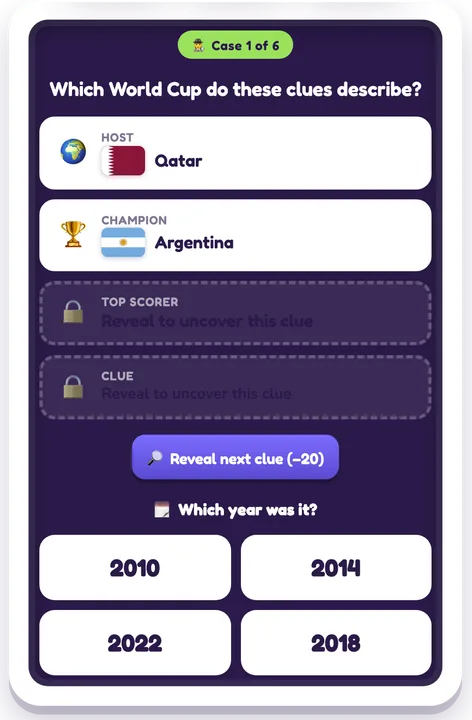
Guess the Soccer Cup
A football World Cup history detective game
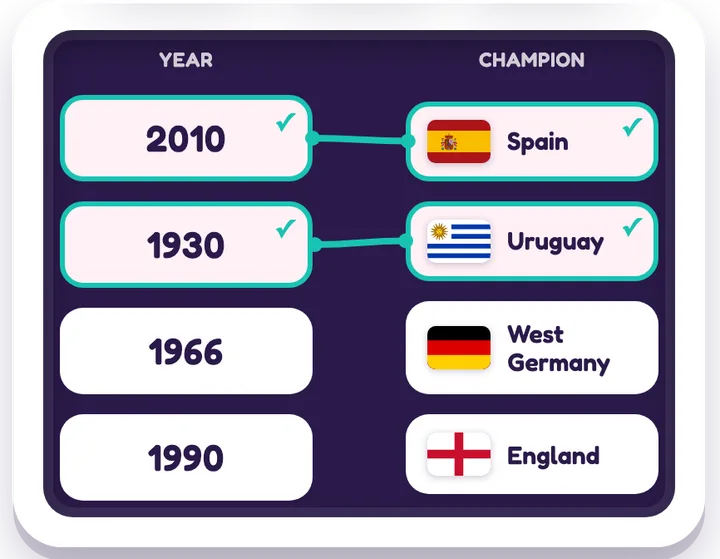
Soccer Champions Match
Match each World Cup year to its champion nation
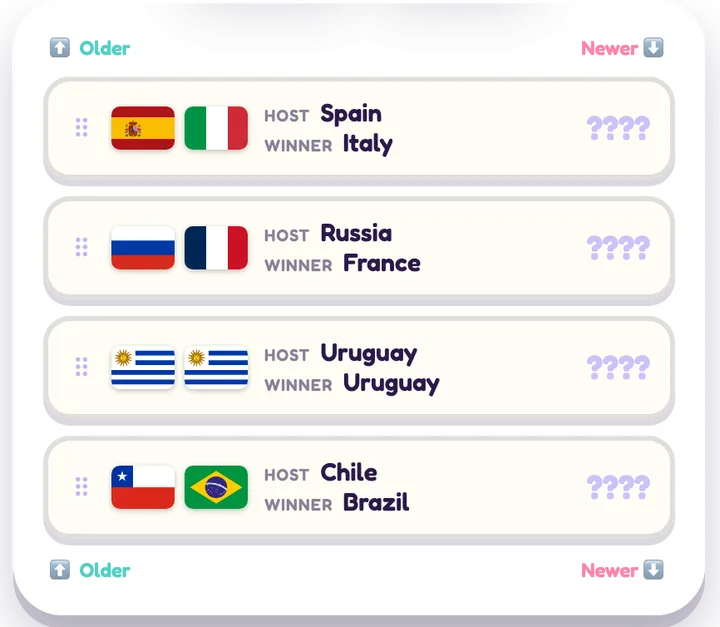
Soccer Cup Timeline
Put the football World Cups in order
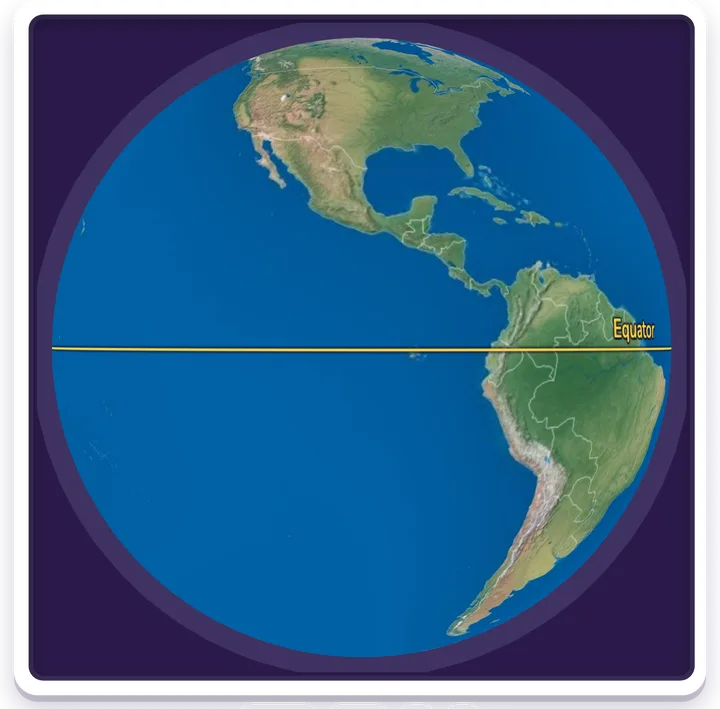
Soccer Globe Hunt
Find each World Cup host on a 3D globe
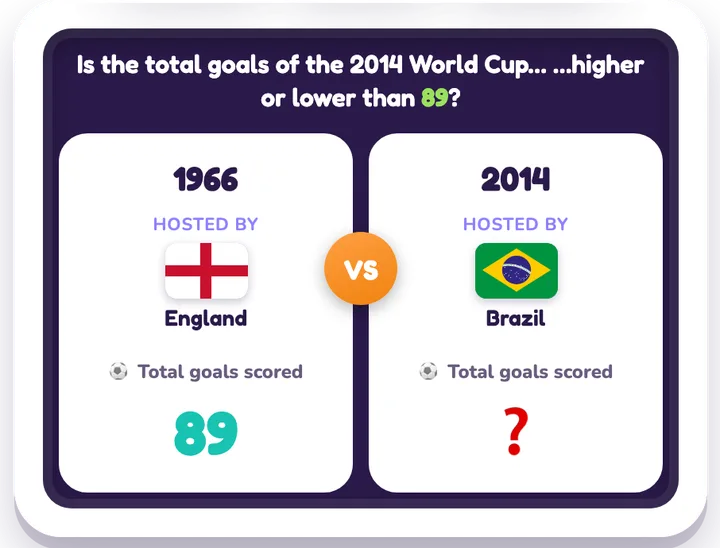
Soccer Cup: Higher or Lower
A World Cup higher-or-lower streak game
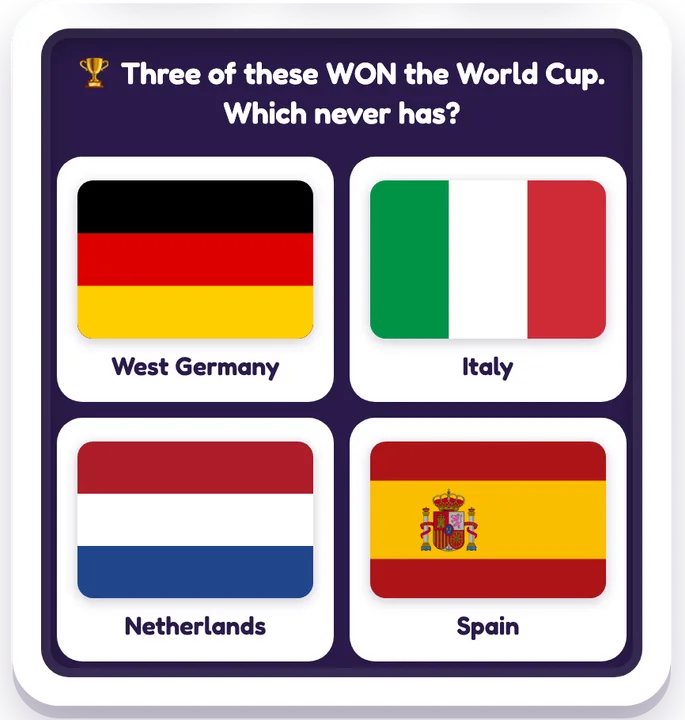
Soccer Odd One Out
Spot the country that doesn't belong