
Free Word Search Online (No Ads)
By Jangul Aslam · Published 2026-06-19
Search for "free word search online" and you'll find plenty of pages that load slowly, throw an ad banner across the puzzle, ask you to allow notifications, and sometimes nudge you to sign up before you can even start. For a puzzle this simple — drag across letters, find the hidden words — that's a lot of friction. If you just want to open a clean grid and play, here's one that does exactly that.
Word Search on iplay.free is a free word search puzzle that runs straight in your browser: no ads, no sign-up, no download, nothing to buy. Pick a grid size, drag across the letters, and find every hidden word — in 12 languages.
What is Word Search?
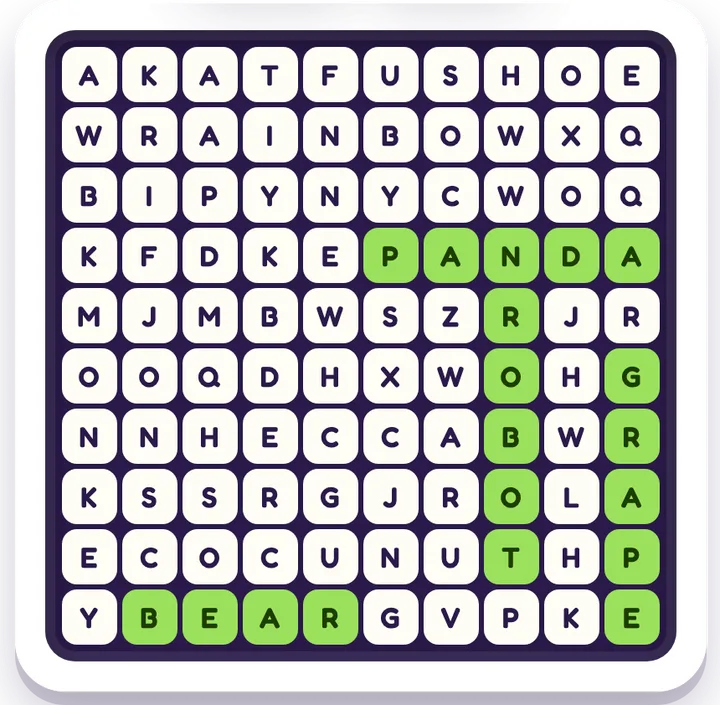
You get a grid of letters with a list of words hidden inside it. On the small grid the words run straight across or down; the medium grid adds diagonals, and on the biggest grid some words run backwards too. Press the first letter of a word, drag to the last letter, and let go; if you found one, it locks in and crosses off the list. Find them all to finish the puzzle.
It's the same pen-and-paper puzzle from newspapers and activity books (invented back in 1968), just without the pen — and without anything in your way.
Why play it here
- No ads, no pop-ups, no ad trackers — nothing covering the grid, nothing to mis-tap, no account or personal details needed. Safe to hand to a child.
- No account, no paywall — you don't sign in or pay; you open the page and play.
- Three grid sizes / difficulties — start on an 8×8 grid (words across and down), step up to 10×10 (diagonals join in), then a 12×12 that hides more and longer words, some of them backwards.
- Helpful when it's hard — Hint flashes one hidden word for a moment, a "Highlight first letters" setting marks where every word starts, and Watch Solve finds them all for you and then deals a fresh grid, so a puzzle never ends in frustration.
- 12 languages — the word lists are real words in each language, which makes it genuinely useful for bilingual homes and language learners, not just translated English.
- Plays anywhere — phone, tablet, or desktop; it's light enough for slow connections, and your progress is saved in your browser.
Free Word Search vs. typical word-search sites
Here's the honest comparison most "free word search online" pages don't put in writing:
| Typical word-search sites | Word Search (iplay.free) | |
|---|---|---|
| Price | "Free" but ad-funded | Free, forever |
| Ads / pop-ups | Banners, interstitials, notification prompts | None |
| Account / sign-up | Often required for full access | None |
| Ad trackers | Third-party ad trackers | None |
| Difficulty | Often one fixed size | 3 grid sizes (8 / 10 / 12) |
| Help when stuck | Rarely | Hint + Watch Solve |
| Languages | Usually English only | 12 languages |
| How it runs | Browser, ad-heavy | Any browser, no download |
Is it good for kids?
Yes — Word Search is one of the easier "screen time you don't have to police." Because there are no ads, no chat, and no account, there's nothing inappropriate to stumble into and no personal details to hand over. It's a quiet workout for spelling, vocabulary, and visual scanning — kids learn to recognise whole word-shapes in a field of letters. We suggest ages 6 and up to play solo; younger kids do great on the small grid as a team with a grown-up calling out a word to hunt for.
It also scales up nicely — the 12×12 grid with longer words is a satisfying few minutes for teens and adults too.
How to play in 30 seconds
- Pick a grid size in Settings — start with the 8×8 if you're new.
- Read the word list under (or beside) the grid.
- Press the first letter of a word and drag in a straight line to its last letter, then let go. On the bigger grids look diagonally too — and on 12×12, backwards.
- Stuck? Tap Hint to flash one hidden word, or Watch Solve to see the whole grid solved. Find them all to win.
Quick answers
Is this word search really free? Yes — free forever. No ads, no sign-up, no download, and nothing to buy. Open Word Search and play.
Do I need an account or app? No. It runs in any browser on phone, tablet, or desktop. There's nothing to install and no login.
Can I change the difficulty? Yes — there are three grid sizes: 8×8 (easy), 10×10 (medium), and 12×12 (hard). Bigger grids hide more and longer words; diagonals start on 10×10, and backwards words on 12×12.
What languages does it support? Twelve, including English, Spanish, French, German, Hindi, Arabic, Japanese, and Chinese — with real word lists in each language, not machine-translated English.
Is it safe for kids? Yes. With no ads, no chat, and no account, there's nothing unsuitable to tap into and no personal details needed. We suggest ages 6 and up to play solo.
More free, no-ad word games
If you like Word Search, the rest of the free word games hub is free and ad-free too:
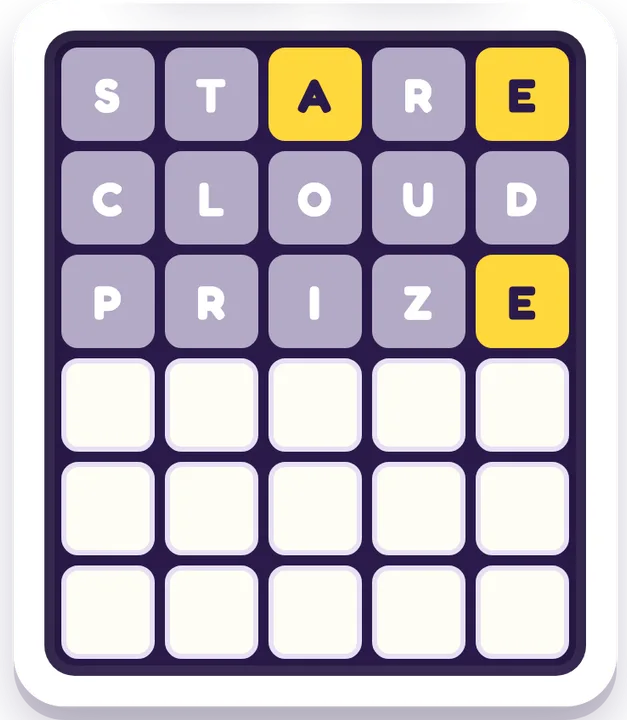
- Word Guess — a Wordle-style deduction puzzle with a new word every round; spelling and clever guessing.
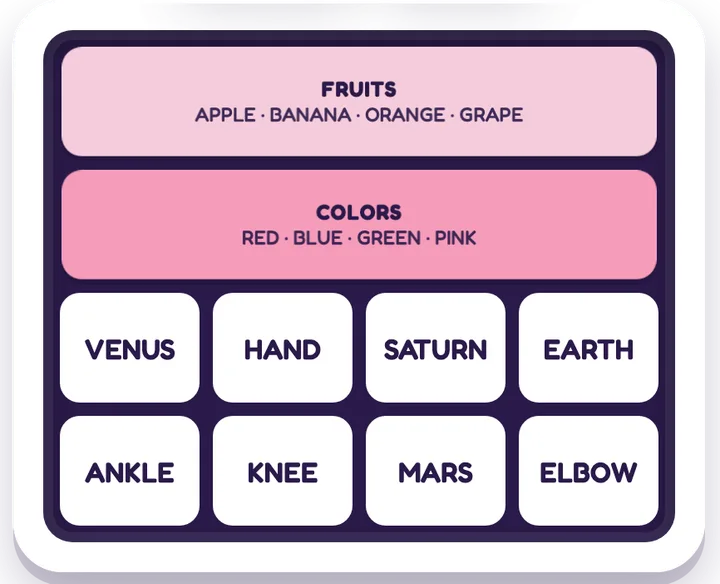
- Connections — group sixteen words into four hidden sets; vocabulary and lateral thinking.
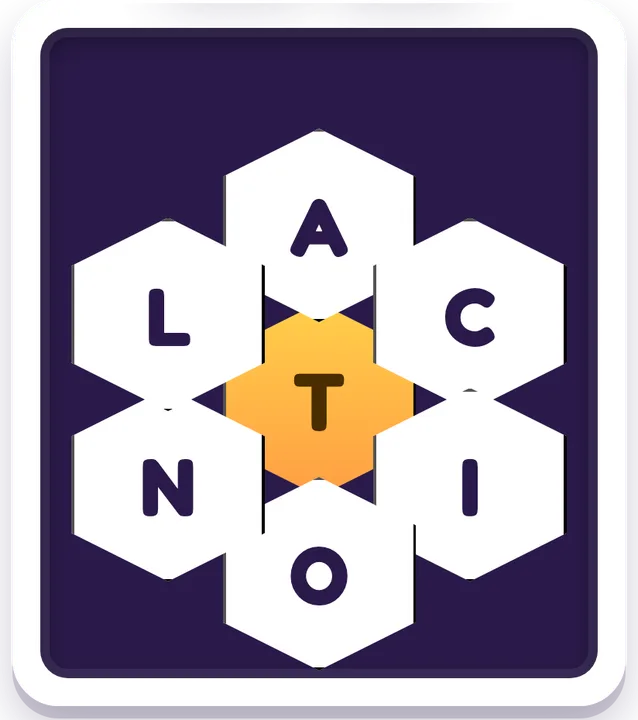
- Word Bee — build as many words as you can from a small ring of letters.
- Mini Crossword — a small, friendly crossword you can finish over a coffee.
For a younger sibling, or a break from letters: Pattern Flash lights up a few squares for a moment and asks you to tap them back (you get three lives), and Tangram asks you to fill a shape with all seven pieces. Both are great from age 5 — find them in the memory games and puzzle games hubs.
Browse the whole word games hub, or see every free game to find your next puzzle.
Ready to play? Open Word Search — free, no ads →