Best Free Brain Games for Kids Ages 7-9
By Jangul Aslam · Published 2026-06-07
Seven to nine is the sweet spot for a kid's first real puzzles. They can hold a few steps in their head, they like the feeling of cracking something, and "too easy" is suddenly an insult. They're past the point of taps and bright colours and ready for a game that pushes back a little — but not so far that it ends in frustration. That's a narrow window, and it's exactly where good "brain games" earn their keep.
The trouble is that most "brain games for kids" sites bury the actual game under ads, pop-ups and "create an account to continue" walls — and half of them are really just stores in disguise, with a flashing "buy 500 coins" button two taps from the play area. That's the opposite of what you want a seven-year-old learning to do on a screen. Every game on iplay.free plays instantly in the browser instead: no ads, no sign-up, no download, and nothing to buy. Every game comes in 12 languages, with light and dark themes and built-in help. Here's a parent-friendly shortlist of the ones that are genuinely fun at this age, grouped by what they actually exercise.
A quick note on ages: each game shows an open-ended badge like "Ages 7+", because any older kid (or grown-up) enjoys it too. The groups below are about where a game starts being a great fit — not a ceiling. A bright seven-year-old will happily reach "up" a band; a nine-year-old having a quiet day might drop "down" one. Let them roam.
Logic & problem-solving
This is the heart of "brain games" at 7-9: figuring out a system, then finding the one move that works. These five all reward thinking before tapping, and none of them punish a slow, careful kid.
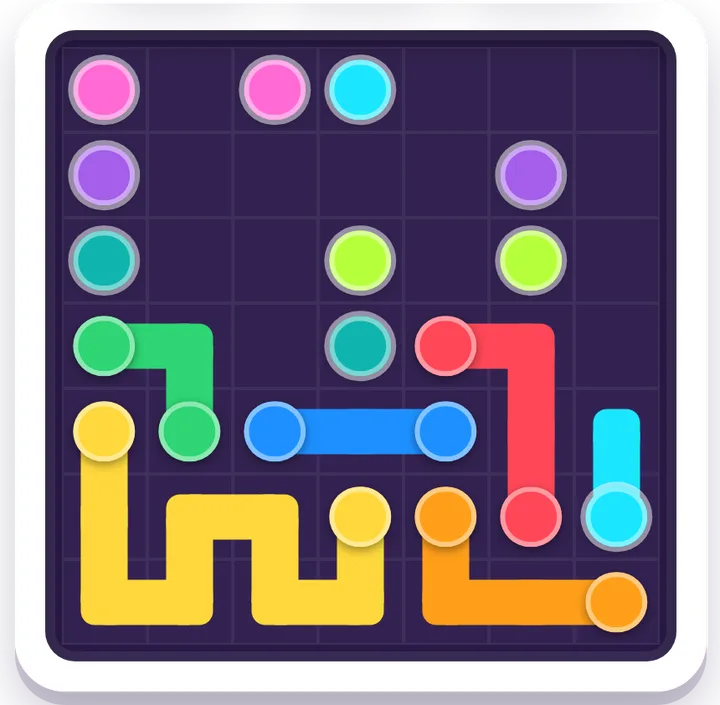
- Flow Connect — link each pair of matching dots into pipes without crossing them or leaving gaps. It looks easy and then it suddenly isn't, which is the magic; kids learn to plan a whole route instead of dragging hopefully and hoping it works out. Start on the 5×5 boards and let the grid grow as they get confident.
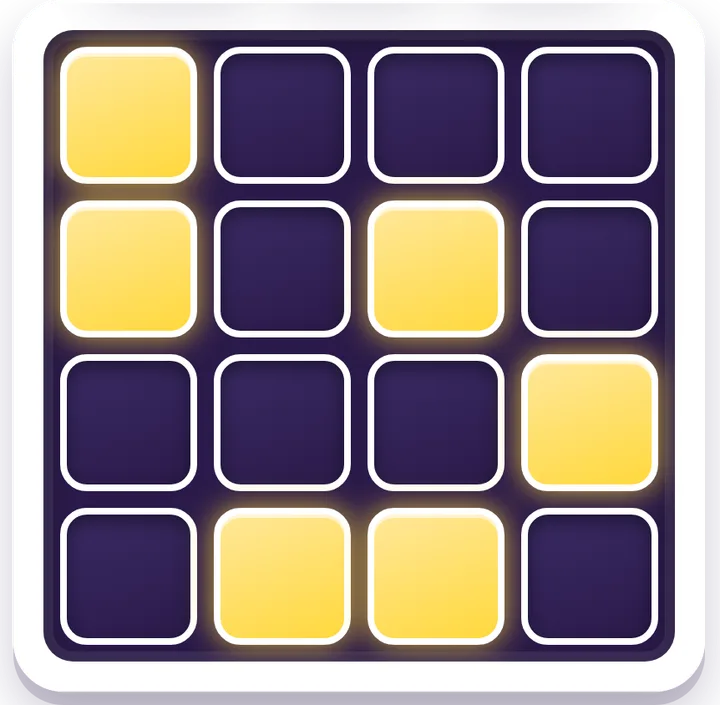
- Lights Out — tap a tile and it flips its neighbours too, so the goal is to switch the whole grid off. It's the cleanest cause-and-effect puzzle we have: every tap changes more than you touched, so a kid has to picture the knock-on effect a step ahead. Wonderful for "wait, if I press that one…" moments.
- Number Thread — draw one line that passes through every square exactly once, visiting the numbers in order: 1, 2, 3… Every puzzle has exactly one thread that works, so it's pure reasoning rather than luck, and Undo makes a wrong turn painless. A lovely bridge between counting and planning a route.
- Tower Quest — sort and stack until each tower is in order. Classic move-planning logic, with a satisfying click each time a stack comes good.
- Water Sort — pour coloured liquids between tubes until each one holds a single colour. It's calm rather than frantic, so it's a lovely wind-down puzzle, and there's real planning under the surface: pour in the wrong order and you'll box yourself in.
When they want more of this kind of thinking, the full logic games hub is right there.
Words & spelling
Brain games don't have to be silent grids. Word puzzles build vocabulary and spelling while feeling like a game, not homework — and at this age, "I solved it myself" is a real confidence boost.
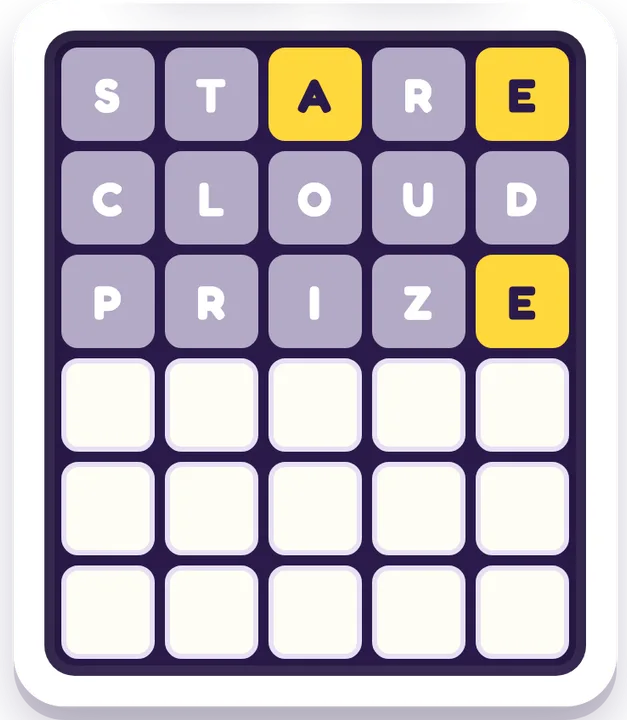
- Word Guess — a Wordle-style deduction puzzle with a new word every round, and probably the single best brain game on this list for a 7-9-year-old. Each guess tells you which letters are right and which are in the wrong place, so kids reason their way to the answer instead of guessing blind — it's vocabulary and logic in one. There's no once-a-day limit and a Hint button for when they're stuck, and because it's available in all 12 languages, bilingual households can play in either one.
- Word Search — hunt hidden words in a letter grid. Great for letter-spotting and spelling, and gentle enough that newer readers from about age 6 up can join in, which makes it a good shared game with a younger sibling.
There's more in the word games hub, including a couple of trickier picks worth saving for when they're nine and showing off.
Numbers & space
Seven is also when sums and shapes start to click, and these three turn that into a puzzle rather than a worksheet.
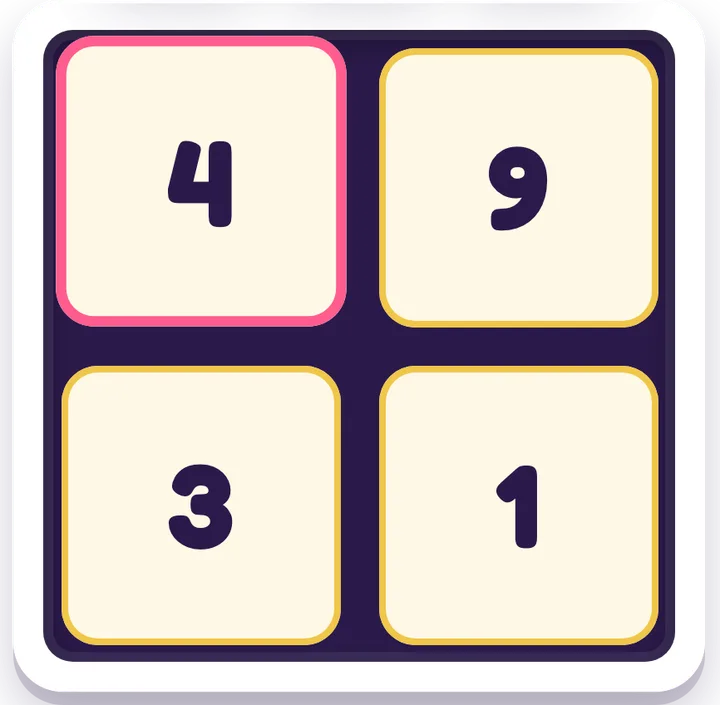
- Number Smith — four numbers, one target. Tap a number, tap + − × or ÷, tap another, and the two join into their answer; use all four to hit the target. Start on Easy (Make 10), which is great number-bond practice; Make 24 is waiting for when they're ready. Undo and Hint keep a wrong turn from turning into tears.
- Box Split — split the grid into rectangles so each one holds a single number, and that number is its size. Tap a number and the game shows its factor pairs (12 is 1 × 12, 2 × 6 or 3 × 4), so it's quiet times-table practice. Every puzzle has exactly one answer, no guessing needed.
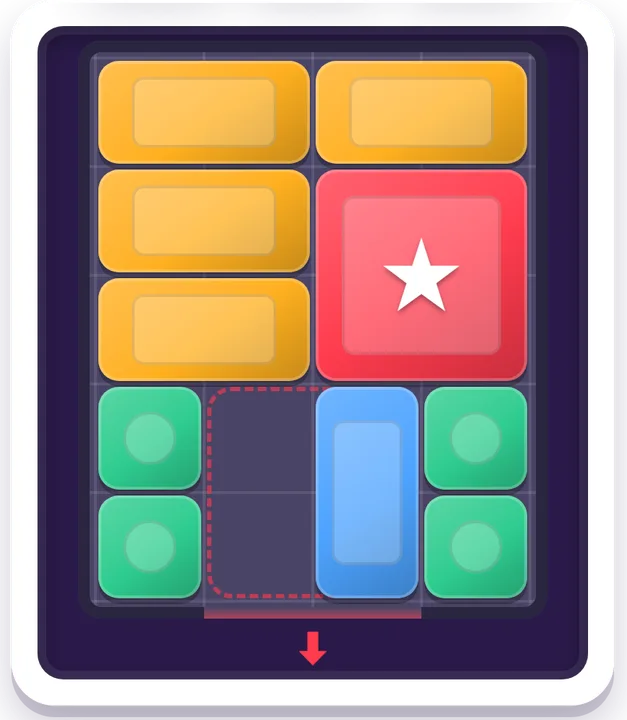
- Klotski — the classic sliding-block puzzle: shuffle the blocks until the big red square can slide out through the gap. It's spatial planning in its purest form, and the levels grow all the way to the famous classic layout, which needs 81 moves. Hint, Undo and Watch Solve are there when a board gets stuck.
Number Smith and Box Split live in the math games hub; Klotski is in the spatial games hub, next to Lot Shuffle and Slide Quest.
Reflex & planning
Not all brain work is slow and quiet. Some of it is fast decision-making — reading the board and reacting before the next piece lands — and kids this age love the buzz of it. The trick is that the best "reflex" games still reward a plan.
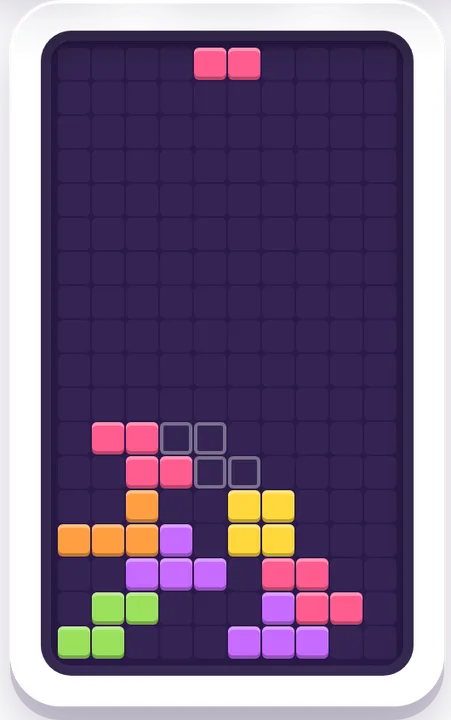
- Block Drop — rotate and place falling blocks to clear full rows, in the Tetris-style tradition. It's reflexes and planning: where you drop this piece decides whether the next one fits. A perfect bridge between "twitchy fun" and "actually thinking."
- Candy Match — swap tiles to line up three or more in a Candy Crush-style match-3. Quick pattern-spotting, with the satisfying cascades that keep kids coming back — minus the energy timers and "buy more lives" prompts the big apps lean on.
- Block Puzzle — drop shapes onto a grid to clear lines. There's no timer, so it tilts toward planning over panic; good for the kid who freezes when a clock is running.
- Mahjong Solitaire — clear the tile layout by matching free pairs. It's calmer than it looks: the real skill is thinking ahead about which tiles to free first so you don't get stuck, which is genuine forward-planning practice dressed up as a tile game.
More fast-but-thoughtful picks live in the arcade games and puzzle games hubs.
A strategy duel against the computer
Some kids only really switch on when there's an opponent. Both of these are played against the computer — there's no two-player mode — and on Easy the computer makes kid-sized mistakes, so a seven-year-old can win and want a rematch.
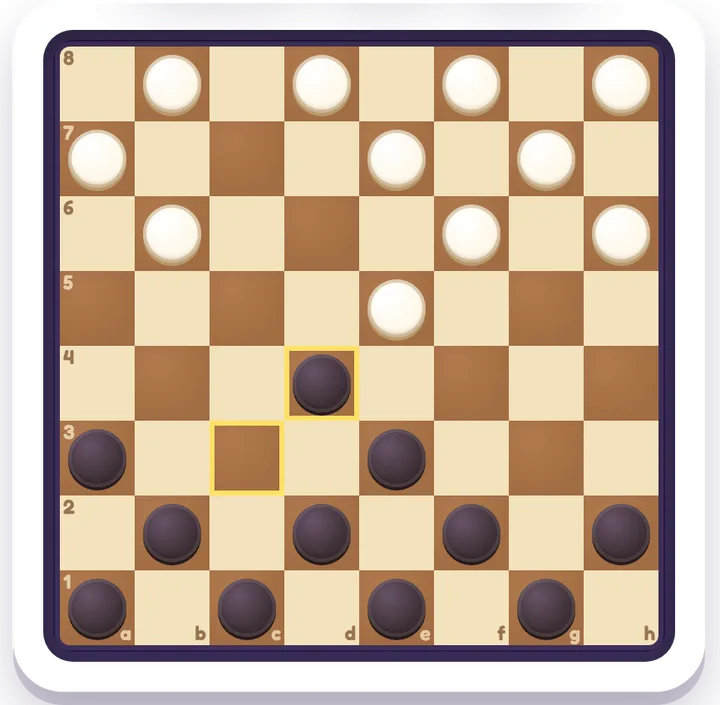
- Checkers — jump, capture and crown your kings. It plays by American rules on the English site, and you can switch to Brazilian or Russian rules in Settings. Hint suggests a good move, Undo takes one back, and Watch Demo lets the computer play both sides for a few moves to show how the game flows.
- Gomoku — take turns placing stones and be the first to line up five in a row (six counts too). Easy plays on a small 11×11 board, and you choose who goes first. It's a brilliant first lesson in blocking: spot the computer's open three before it becomes four.
Both live in the board games hub, with Mancala for younger siblings.
Not sure where to start? A quick picker
If you only try one tonight, match it to the kid in front of you:
| Your kid right now | Start with | Why |
|---|---|---|
| Loves "aha!" moments | Lights Out | Cleanest cause-and-effect on the list |
| Wants a quick word puzzle | Word Guess | New word every round, 12 languages |
| Likes fast and a bit competitive | Block Drop | Reflexes plus planning, classic and fun |
| Loves numbers | Number Smith | Make 10 first, then Make 24 |
| Likes a strategy duel | Checkers | Easy makes kid-sized mistakes |
| Needs to wind down | Water Sort | Calm, no timer, quietly strategic |
| Plays with a younger sibling | Word Search | Gentle enough to share from age 6 up |
What "brain games" actually build at this age
It's worth being honest here, because the internet is full of overblown claims: a puzzle game isn't a magic IQ booster, and no game replaces sleep, reading, conversation and plain old play outside. We're not going to pretend otherwise. But used in sensible doses, the picks above do give regular, enjoyable practice at a handful of real skills that 7-9-year-olds happen to be busy developing right now:
- Keeping a plan in mind — holding where you're heading across several moves. Every Lights Out or Flow Connect board needs you to remember where you're heading while you deal with what's in front of you.
- Pattern-spotting — seeing the structure in a grid of tiles or letters. It's the same underlying muscle that powers early maths (groups, sequences) and reading (letter patterns), which is why match-3 and word puzzles feel useful as well as fun.
- Planning a move ahead — looking at what comes next, not just what's on screen now. Block Drop and Mahjong both quietly reward it, and that "think before you act" habit is the one most worth building.
- Persistence — sticking with a hard problem instead of bailing. This is where the built-in help earns its place: most games have a Hint and a Watch-Solve button, plus easy/medium/hard levels, so a tricky board ends in "oh, that's how" rather than a meltdown. A hint isn't cheating at this age — it's scaffolding, and kids usually stop reaching for it once they get the idea.
A practical note on how much: short, regular sessions beat one long marathon. Ten or fifteen focused minutes leaves a kid wanting to come back tomorrow, which is exactly what you want from a quick puzzle like Word Guess. And the most underrated trick is to play alongside them now and then — narrate your own thinking ("if I light that one, these two go off…") and you turn a solo game into a little problem-solving lesson without it feeling like one.
None of this needs an upper age limit — that's the point of the "{age}+" badge. The meatier picks here stay genuinely good for tweens, teens and grown-ups, so the same site keeps earning its place as your kid gets older instead of being outgrown in a year.
Ready for more?
If your 7-9-year-old is breezing through these, level up with our guide to free logic games for tweens — Sudoku, Minesweeper, Nonogram and friends. If Number Thread was the hit, our free logic puzzles you can play all day has three more deduction puzzles in the same spirit: Crown Grid, Sun & Moon and Domino Fit. Got a younger sibling tagging along? Send them to the gentler picks in free, no-ad games for kids 4-6.
And if you want the bigger picture on what "free and ad-free" really means for a child's device — safety, screen time, what we do and don't collect — start with our parents' guide to free, ad-free games.
How to get going in 30 seconds
No setup, no account, nothing to install:
- Open iplay.free on any phone, tablet or computer.
- Pick a game from the picker above — or hand the device over and let your kid choose.
- Tap to play. It loads in the browser and starts right away.
- Stuck? Use the Hint or Watch-Solve button, or drop the difficulty a notch — no shame, all learning.
That's it. No account and no personal details needed, and you can close the tab whenever time's up.
Why "no ads, no accounts" matters here
For kids, ad-free isn't just nicer — it's safer. With no ad networks, there's nothing to mis-tap into, nothing unsuitable sliding into an ad slot between rounds, and no third-party tracking following a child around the web. There's no account and no chat, so there's nothing to sign up for and no stranger to message. And because there are no in-app purchases, there's no "buy 500 gems" button waiting to turn a quiet ten minutes into an awkward conversation about your card.
Everything runs right in the browser on whatever phone, tablet or laptop is handy — no install, no app-store age gates — and it's light on bandwidth, so it works fine on a so-so connection or a hand-me-down device. Flip to a dark theme for evening wind-down, and you've got a screen-time option you don't have to hover over. That's the whole idea behind iplay.free: open a game and play.
Ready to try some? Browse all free games →