The Parent's Guide to Free, Ad-Free Games
By Jangul Aslam · Published 2026-06-07
"Free" is the most overloaded word in kids' games. You search for a free game, hand your phone to your child, and within a minute they've tapped a full-screen ad, hit a "create an account to continue" wall, or stumbled into a "buy more lives" pop-up. That's not free — it's free-ish, with strings attached.
This is the long version of what we wish someone had told us: how to tell a genuinely free, safe game from a free-shaped trap, and which games are worth your kid's time. Every game on iplay.free plays instantly in the browser — no ads, no sign-ups, no downloads, nothing to buy. It's a growing collection of games in 12 languages, with light and dark themes and built-in hints. Use this as your map; the deeper-dive guides linked throughout go further on each part.
What "free" should actually mean
A game that's genuinely free for a kid should ask for nothing — no money, no attention sold to advertisers, no personal data. Most "free" games fail at least one of those. Here's the trap, broken down:
- Ad-funded "free." The game is free because you are the product. Banner ads ring the board, a full-screen video plays between levels, and one mis-tap launches an app-store page or a sketchy site.
- The account wall. "Create an account to continue" or "sign in to save your progress." Now there's a login to remember and an email address (often a child's) sitting in someone's database.
- In-app purchases. Free to start, then "you're out of lives — wait 30 minutes or pay." The loop is designed to nag, and the buy button is one tap from a stored card.
- The download. A 200 MB install that wants notification permissions, your contacts, and a home-screen icon that pings for attention all day.
None of that is necessary to put a fun, well-made game in front of a child. The rest of this guide is about finding the games that prove it.
A genuinely free game asks for nothing and gives you the whole thing up front. You should be able to hand the device to a six-year-old and walk into the next room without a mental checklist of what they might tap. That's a high bar, and most of the app stores and "free games" portals don't clear it — but a few do, and once you know what to look for, they're easy to spot.
How to spot a genuinely free, safe game
You can vet almost any "free" game in under a minute with this checklist. Open it on your own phone first and watch for each red flag:
- No ads. No banners, no full-screen videos, no "watch an ad for a hint." If you see ads, it isn't really free — and ad slots are the single biggest safety risk for kids (more on that below).
- No account required. You should be playing within seconds. If it asks you to sign up, register, or "continue with email" before you can play, walk away.
- No download. A web game that opens in the browser can't install anything, request device permissions, or sit on the home screen begging for taps.
- No in-app purchases. Look for a "shop," "coins," "gems," or "remove ads" button. Any of them means the free version is bait.
- No third-party tracking. Harder to see, but ad networks are the usual culprit — no ads is a good proxy for no cross-web tracking of your child.
- No chat or social features. A solo puzzle game has no reason to let strangers message your kid.
Here's how iplay.free meets each one, by design rather than by promise: no ad networks run on the site, so there are no ads and nothing to mis-tap; there are no accounts or logins, so there's nothing to register and no child's email to store; games run in the browser, so there's nothing to download or permission to grant; there's nothing to buy — no shop, coins, or "remove ads"; with no ad networks there's no third-party tracking of a child across the web; and there's no chat, no profiles, and no way for anyone to contact your kid. If you'd like the full breakdown of how we can claim all that, we wrote it up here: is iplay.free safe and free?
The useful thing about this checklist is that it's about structure, not trust. You don't have to take a site's word that it's safe — you can verify it. Ads either appear or they don't. A sign-up wall either blocks you or it doesn't. A "shop" button is either there or it isn't. The absence of these things is something you can see in the first thirty seconds, and it's much more reliable than a "kid-friendly" label or a five-star rating that anyone can buy. Run the checklist once on any site you're considering, and you'll know more than the marketing copy will ever tell you.
Why ad-free is safer for kids
Parents often think of ads as merely annoying. For a child, they're the actual hazard, for three concrete reasons:
- Nothing to mis-tap. A small kid's finger lands everywhere. With no banners or interstitials, a stray tap just makes a move in the game — it can't launch a store page, a video, or an unknown link.
- Nothing unsuitable in an ad slot. Even on "kid-friendly" sites, the ad is sold by a network, and what shows up there isn't curated for children. Remove the ad slots and you remove the unvetted content entirely.
- No cross-web tracking of a child. Ad networks build profiles by following users from site to site. No ad network means no profile of your kid being assembled in the background.
That's the core of the case: ad-free isn't a nicer version of the same thing — it removes a whole category of risk. The cleanest way to think about it is by what can't happen. There's no ad slot, so there's nothing for a network to fill with content nobody vetted. There's no install, so the game can't ask for the microphone, the camera, or a list of contacts. There's no login, so there's no password to be reused or leaked. Each "no" closes a door, and the doors stay closed whether you're watching or not.
There's also a quieter benefit: a game with no ads and no purchase loop has no reason to manipulate attention. The aggressive nudges — the timer that drains so you'll pay, the reward you can only claim by watching a video, the daily streak engineered to pull a kid back — all exist to serve a business model that isn't there when the game is simply free. What's left is just the puzzle, which a child can pick up and put down on their own terms.
If screen-time worry is what brought you here, the screen-time-friendly games guide goes deeper on building habits you don't have to constantly police.
Best free games by age
Every game shows an open-ended badge like "Ages 7+", because any older kid — or grown-up — can enjoy it too. These groups are about where a game starts being a great fit, not a ceiling.
Under 6: gentle wins
Younger kids do best with short, forgiving games that reward attention and recall.
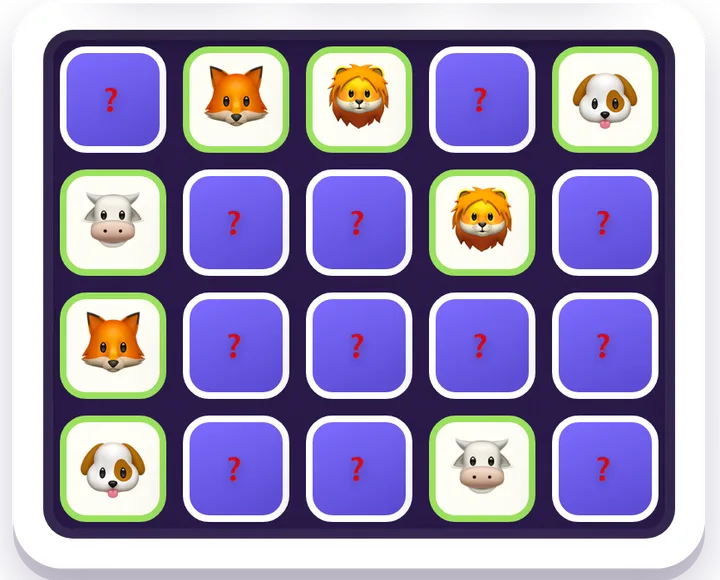
- Memory Match — the classic concentration game; pure recall.
- Simon — watch the sequence, then repeat it back; working memory.
- Snake — simple controls, big smiles, a little forward planning.
Browse more in memory games, and see the full age-band rundown in free, no-ad games for ages 4–6.
Ages 6–8: logic starts to click
This is the sweet spot for first real puzzles and a bit of independence.
- Candy Match — match-3 pattern spotting, no lives to run out of.
- Mahjong Solitaire — clear the layout by matching free tiles; concentration and planning.
- Word Search — spelling and letter-spotting.
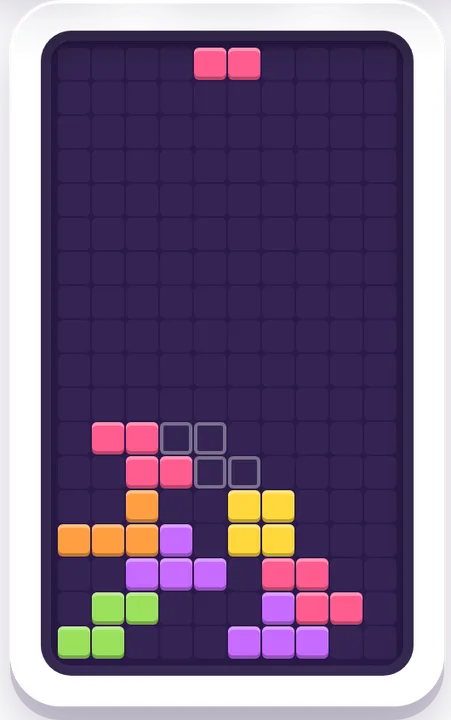
- Block Drop — falling-blocks reflexes and rotation, a friendly take on the Tetris-style classic.
More for this age in our brain games for kids 7–9 guide, plus the arcade games hub.
Ages 9–11: deeper thinking
Older kids can take on real strategy and deduction.
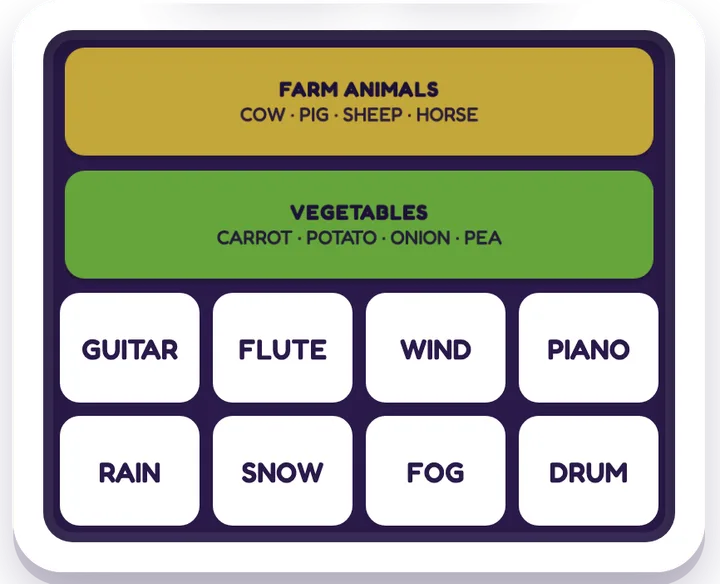
- Connections — group sixteen words into four hidden sets; vocabulary and lateral thinking.
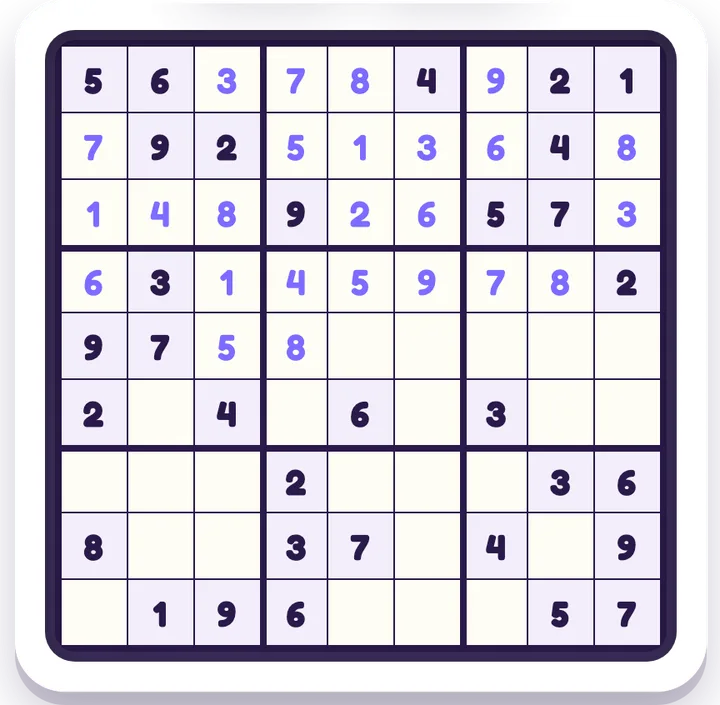
- Sudoku and Minesweeper — logic and deduction.
- 2048 — number sense and planning.
- Nonogram — picture logic (Picross).
The tween picks get their own write-up in free logic games for tweens.
Grows with them
None of these have an upper age limit — that's the whole point of the "{age}+" badge. The meatier picks (Connections, Sudoku, Minesweeper, Nonogram, plus Checkers and Spider Solitaire) stay genuinely good for teens and grown-ups, so the same site keeps earning its place as your kid gets older. For the full age-by-age shortlist in one place, see the flagship guide: free, no-ad games that build kids' skills.
Best free games by skill
If you'd rather start from what you want your kid to practise, here's the catalog sorted by the skill each game quietly builds. None of these games announce that they're educational — they just are, which is exactly why kids keep playing them.
Memory and focus
Concentration, recall, and holding a sequence in your head. Start with Memory Match and Simon, then try Pattern Flash (5+): a few squares light up for a moment and you tap them back from memory. The flashes are timed and you get three lives per level, so it's a small step up from the two classics. Browse the whole memory games hub, or read our guide to free games that build memory and focus.
Logic and critical thinking
Deduction, cause and effect, and thinking a step ahead. Lights Out, Flow Connect, Water Sort, Minesweeper, and Nonogram all live in the logic games hub. Two guides go deeper: free logic puzzles you can play all day and free Minesweeper online.
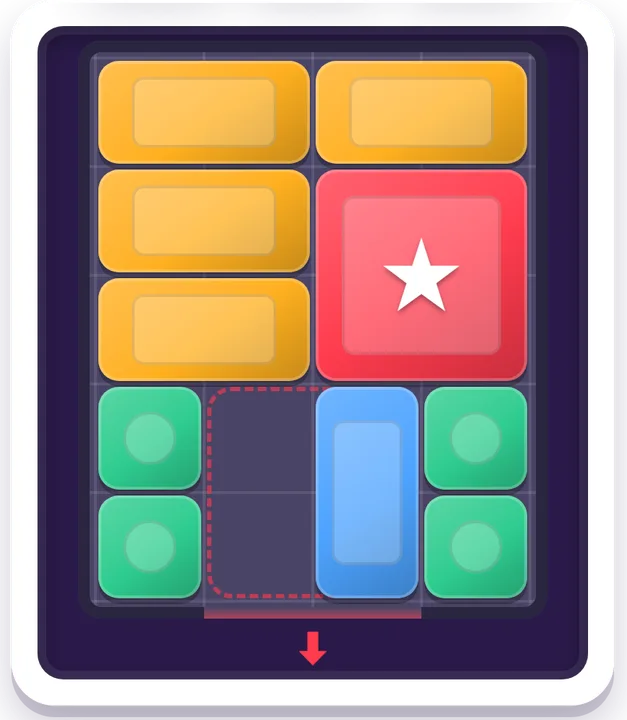
For hands-on spatial puzzles, the spatial games hub has Slide Quest (the 15-puzzle), Lot Shuffle (slide the cars to free the red one) and Klotski (free the big square; the classic layout takes 81 moves). The puzzle games hub adds Block Puzzle and Tangram, the seven-piece shape puzzle.
Words and spelling
Vocabulary, spelling, and lateral thinking. The word games hub holds Word Guess (a Wordle-style game with a new word every round, in all 12 languages), Connections, Word Search, and Mini Crossword. Two of them have their own guides: the free Connections-style word game and free word search online.
Math and numbers
Number sense, mental arithmetic, and planning. 2048 and Sudoku anchor the math games hub, next to two that are real arithmetic in disguise. Number Smith has you join four numbers with + − × ÷ to hit a target: Make 10 on Easy, Make 24 on Medium, Tricky 24 on Hard. Box Split turns factor pairs into a logic puzzle — each number is the area of its own box, and every puzzle has exactly one answer. For turning game time into genuine practice, see free math games for practice.
Strategy: board and card games
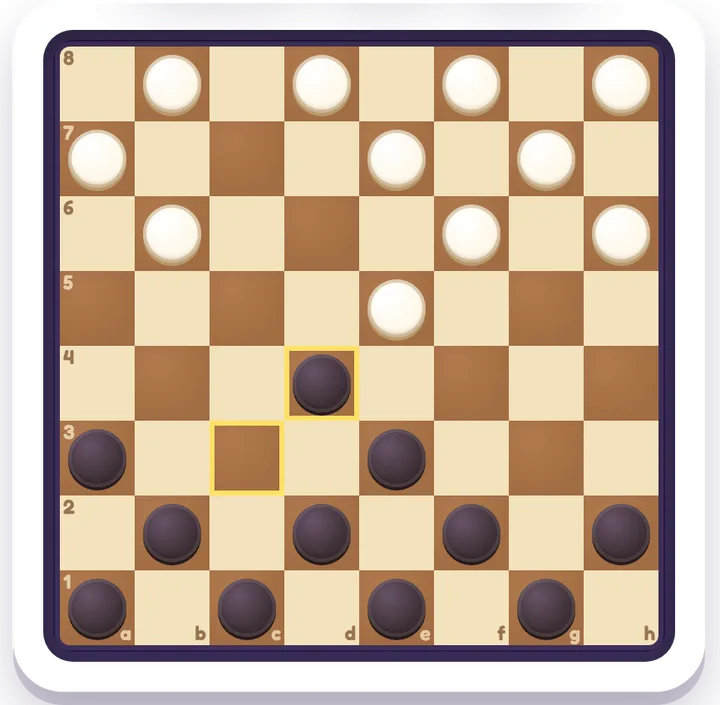
Planning several moves ahead, and learning to win and lose gracefully. The board games hub has three classics you play against the computer: Mancala (sow seeds and out-count the computer; a gentle counting game from age 5), Checkers (American, Brazilian or Russian rules on an 8×8 board) and Gomoku (be first to line up five stones). Each has Easy, Medium and Hard, and a Watch Demo button that plays a few moves for both sides to show how the game goes.
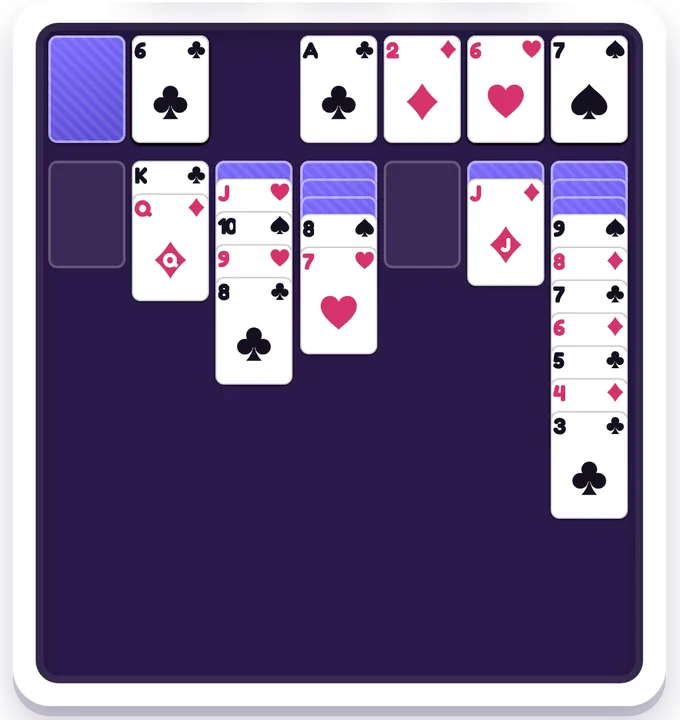
The card games hub holds Solitaire (Klondike), FreeCell and Spider Solitaire. Every numbered deal can be won — an independent checker replays each one to a win before it goes live — and Undo never costs a star, so a stuck kid can back up and try another line instead of giving up. Our free Solitaire guide explains the levels.
Geography and the world
Flags, countries, and where places actually are. Flag Guess (name the country from its flag), Globe Trek (find it on a real 3D globe) and Neighbor Trek (travel country to country through land neighbors, in as few hops as you can) anchor the geography games hub. The sports games hub holds a seven-game World Cup soccer set on tournament history — hosts, champions, scores — built on researched facts. It now includes the 2026 final, which Spain won 1–0 against Argentina after extra time.
A word on why these "count" as practice: the skills aren't bolted on as a quiz, they're the actual gameplay. You can't play Sudoku without reasoning about what has to go where, and you can't get far in 2048 without thinking about powers of two and planning a move ahead. The learning is invisible to the kid, which is the only kind of learning that survives contact with a child who would rather be doing anything else. That's the difference between a game that builds a skill and an app that interrupts the fun to test one.
Free versions of the classics
Half of "find a free game" is really "find the game my kid already wants, without the ads." Most of the classics have an ad-free home on iplay.free:
| Classic | Play it free here | Skill |
|---|---|---|
| Wordle | Word Guess | Words & deduction |
| Tetris | Block Drop | Reflexes & rotation |
| Candy Crush | Candy Match | Match-3 pattern spotting |
| 2048 | 2048 | Number sense |
| Sudoku | Sudoku | Logic & deduction |
| Minesweeper | Minesweeper | Deduction |
| Klondike solitaire | Solitaire | Planning & patience |
| Checkers / draughts | Checkers | Strategy |
Most of these have a full comparison if you want the detail: the Wordle alternative for kids, the Tetris alternative online, the Candy Crush alternative, 2048 online and how to win, free Sudoku, no ads, and free Solitaire online. They're descriptive "-style" picks — not the trademarked originals, just the same idea with the friction removed.
The reason this matters for parents specifically: the famous versions of these games are often where the ad-and-purchase model is at its most aggressive. A free match-3 or word game in an app store is frequently the single worst offender for full-screen video ads and "buy more lives" loops, precisely because it's the most popular. Swapping in an ad-free version of the same idea gets your kid the game they actually wanted, minus the part you were worried about. And because everything sits on one site, you only have to trust one place — not re-vet a new app every time your child hears about a different game at school.
Screen time you don't have to police
The hardest part of screen time isn't the minutes — it's not knowing what's happening on the other side of the screen. With no ads, no chat, and nothing to buy, there's nothing to stumble into and no reason to hover. A round of a puzzle has a natural end, so it's easy to agree on "one more board" rather than fighting an endless feed.
That last point is worth dwelling on, because most kids' apps are built to do the opposite. An endless feed, an auto-starting next level, a reward that lands just as you'd planned to stop — these are all designed to make putting the device down feel like a loss. A discrete puzzle has no such hooks. When the board is solved, it's solved; the kid gets the satisfaction of finishing rather than the frustration of being pulled back. That makes "we'll stop after this one" an honest deal you can actually keep, instead of a negotiation that restarts every ninety seconds. We unpacked the practical side in screen-time-friendly games.
Plays anywhere, in your language
Because everything runs in the browser, it works on whatever's handy — a phone, a tablet, a school laptop, an old hand-me-down. It's low-bandwidth friendly, so it loads even on a weak connection or metered data. The interface and many games are translated into 12 languages, there's a dark theme for evening wind-down, and most games include Hints, a Watch-Solve button, and easy/medium/hard difficulty levels — so a tricky puzzle never ends in tears. There's no login because there's nothing to save to an account; you just open a game and play.
This portability is quietly one of the biggest practical wins for families. There's nothing to install on each device, so the same game your kid plays on the family tablet also opens on a borrowed phone or a school Chromebook, with no setup and no account to sign into. Difficulty levels mean one game can grow with a child instead of being outgrown — start on easy, move up when it gets boring. And because the Hint and Watch-Solve buttons are right there, a stuck kid has a way forward that doesn't involve a parent dropping everything or, worse, rage-quitting. The same features that make a game accessible to a six-year-old keep it interesting for a twelve-year-old. Teachers get the same no-login setup for a whole class — see free classroom games teachers can trust.
Frequently asked questions
Is it really free? Yes — free forever. No ads, no sign-up, no download, and nothing to buy. There are no in-app purchases, no "premium" tier, and no "remove ads" upsell, because there are no ads to remove.
Is it safe for kids? That's the point. No ad networks means no pop-ups to mis-tap and nothing unsuitable served into an ad slot. There's no chat, no profiles, and no third-party tracking of a child across the web. The full explanation is in is iplay.free safe and free?
Do I need an account? No. There's no sign-up and no login — you can play every game without entering anything. That also means there's no child's email or password sitting in a database.
Does it work on a phone? Yes — it runs in any browser on a phone, tablet, or computer, and it's built to be light on bandwidth. Nothing to install, and you can switch to a dark theme any time.
Browse it yourself
The best test of "genuinely free" is to open one and see how fast you're playing. Pick any game above, or start from the full list.