
Screen-Time-Friendly Games: Safe by Design
By Jangul Aslam · Published 2026-06-07
Most screen-time guilt isn't really about the screen. It's about what's on it: the ad that pops up mid-game, the autoplay video that starts the second one ends, the notification that pings them back an hour later, the "daily streak" that turns a bit of fun into a chore they can't miss. Take those away and a lot of the anxiety goes with them. Every game on iplay.free is the calm kind — free, ad-free, no sign-up, no download, and nothing engineered to keep your kid hooked. This is screen time you don't have to police.
It's worth saying out loud, because the official advice rarely does: a flat "limit screens" misses that not all minutes are equal. Twenty minutes solving a logic puzzle that ends on its own is not the same as twenty minutes in an app designed to never end. Once you start sorting games by how they're built rather than just how long they run, the whole thing gets less stressful — and you stop being the bad guy who has to wrench the tablet away.
What makes screen time good vs. draining
Two kids can spend twenty minutes on a tablet and come away in completely different states. The difference is usually the design, not the minutes. Here's the split we care about as parents.
- Ad-free, so nothing to mis-tap. No ad networks means no banner, no interstitial, no "your device may be infected" scare ad in a slot a six-year-old will tap by accident. There's nothing unsuitable sitting in an ad slot, full stop.
- No ad tracking. No third-party ad networks and no ad trackers, so nothing follows your child around the web after they close the tab.
- No account, no chat. There's no login and no way for strangers to message your kid — because there's no messaging at all.
- Purposeful. Each game builds a real skill — concentration, logic, number sense, vocabulary — instead of just burning time.
- Easy to STOP. No endless feed, no autoplay queue, no daily-streak guilt, no push notifications pulling them back. When they're done, they're done, and nothing nags them to come back.
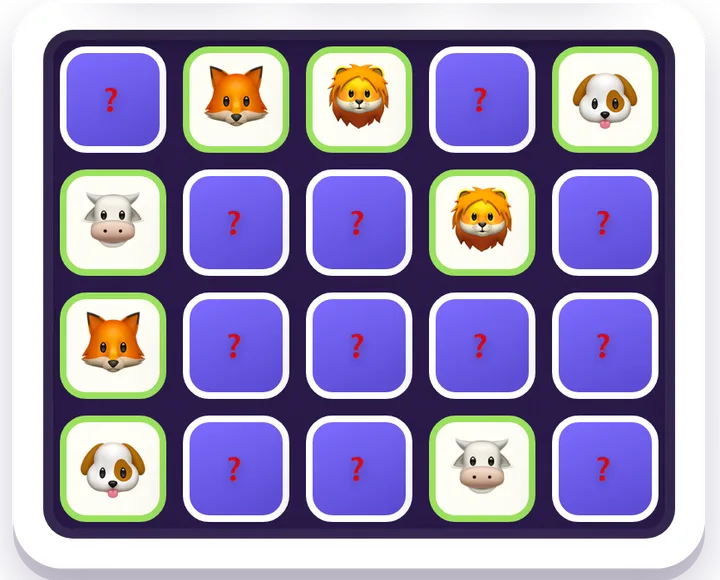
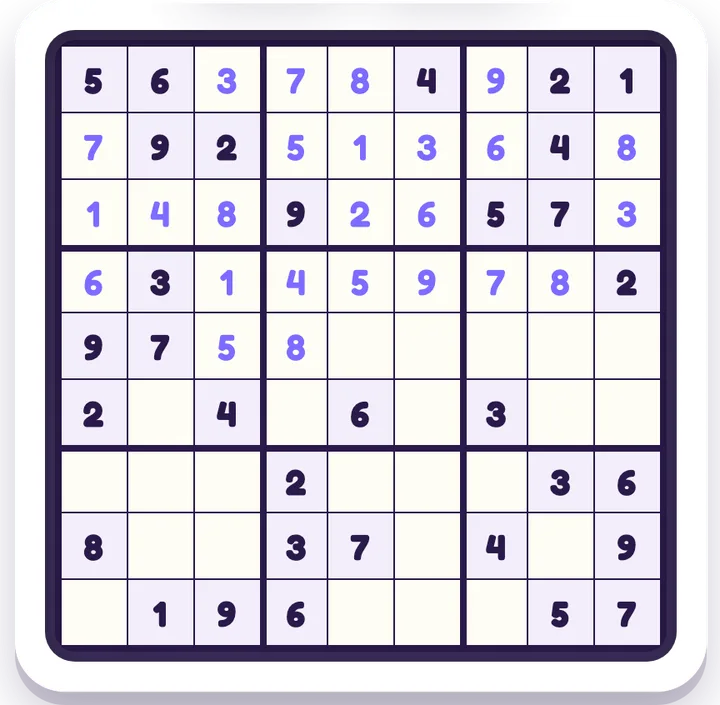
That last point is the quiet one, but it matters most. A game that ends cleanly is a game your kid can walk away from without a meltdown. So much of the friction at home isn't the playing — it's the stopping. When a game is deliberately built to never give your child a natural finishing point, you become the only "off switch" in the room, and that's a fight you have several times a day. The games below are different on purpose: a round of Memory Match is over when the cards are matched, a Sudoku is over when the grid is full, and there's nothing waiting in a queue to autoplay next.
Safe by design, not by settings
The safest thing about iplay.free is everything it doesn't do. Safety here isn't a parental-control panel you have to find and configure — it's baked into how the site is built.
- No ad networks — so there's no third-party content we don't control appearing next to a kids' game.
- No logins or accounts — nothing to create, nothing to remember, nothing to leak.
- No personal details needed — no name, no email, no account. Game progress is saved in your own browser; the site only keeps anonymous totals (plays, likes and the country of each play), which anyone can see on the stats page.
- No in-app purchases — there's nothing to buy, so there's no accidental tap that costs you money.
You don't have to trust a settings toggle to stay flipped. There's simply no ad slot, no ad tracker, and no sign-up form to worry about in the first place. That's the difference between "safe by settings" and "safe by design": a kids' mode you have to enable can be switched off, forgotten, or bypassed, but a feature that was never built can't fail. There's no autoplay to disable because there's no autoplay; no data sharing to opt out of because nothing is sold or shared for advertising; no in-app spending to cap because there's nothing to buy. It also means the games behave identically whether your child is on your phone, a shared family tablet, or a school laptop — there's no per-device account state that could leak or be misconfigured.
If you want the full breakdown of how that works — who's behind the site, how it stays free, and what (if anything) it stores — we wrote it up here: is iplay.free safe and free?
Calm games that are still worth the time
Screen-time-friendly doesn't mean dull. These are genuinely good games — they just happen to be the kind that build something and then let your kid stop. A spread across ages and skills:
- Memory Match — pure concentration and recall, great from about age 4 up. A short, satisfying round with a clear end.
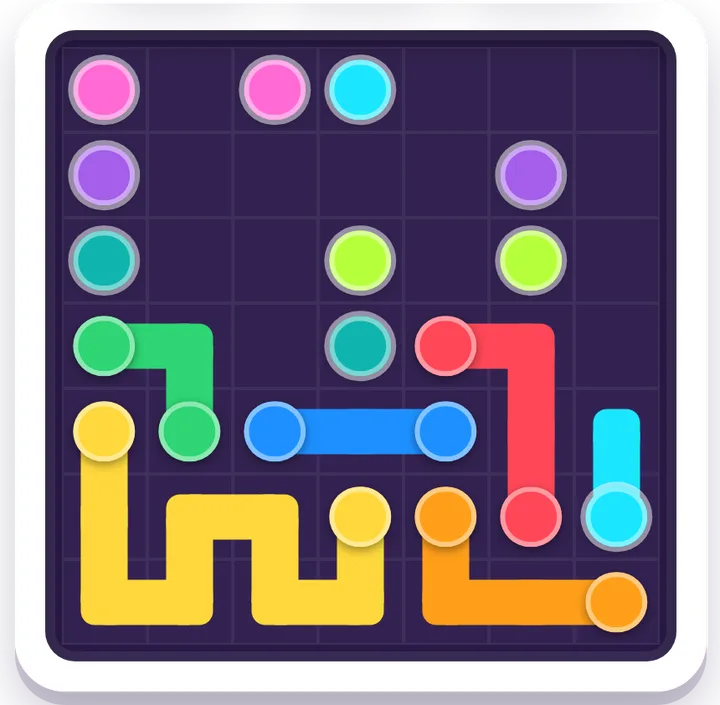
- Flow Connect — link the pipes without crossing them; quiet path-finding for ages 6+.
- Sudoku — logic and deduction, no time pressure, for ages 8 and up (and every grown-up in the house).
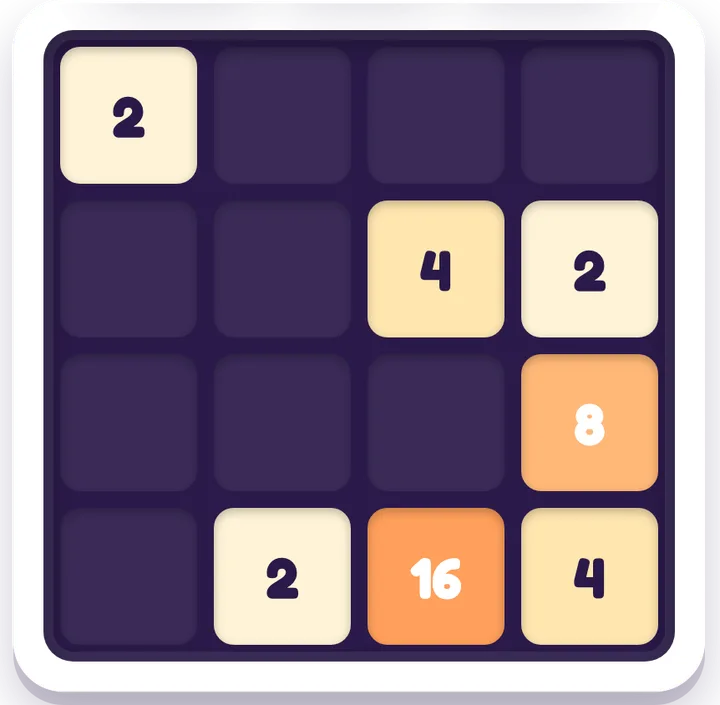
- 2048 — number sense and planning a move ahead; deceptively simple, and it rewards thinking before you swipe.
- Nonogram — solve the hidden picture from number clues (Picross); deeply absorbing in a calm way.
- Word Guess — a Wordle-style deduction game in all 12 languages — one tidy puzzle at a time, not an endless scroll.
- Lights Out — toggle the grid until it's dark; cause and effect, one neat board at a time.
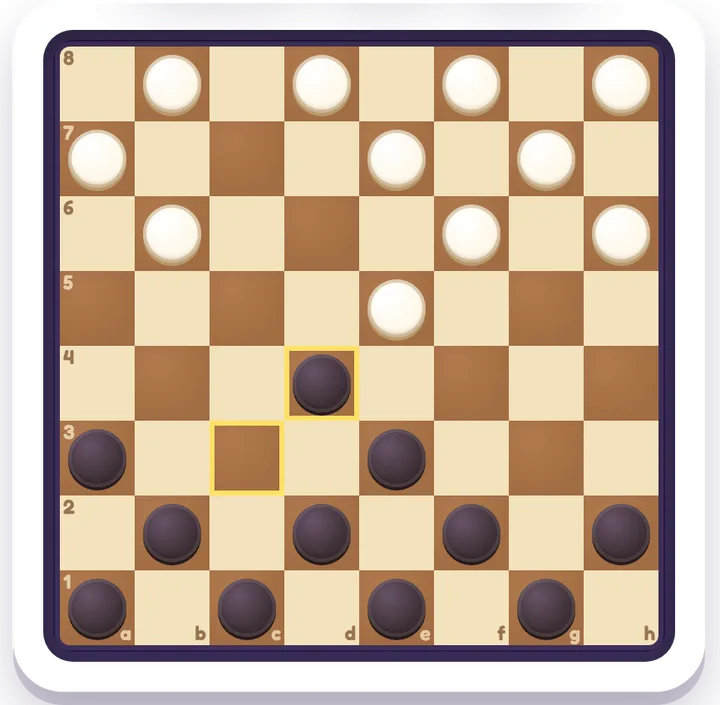
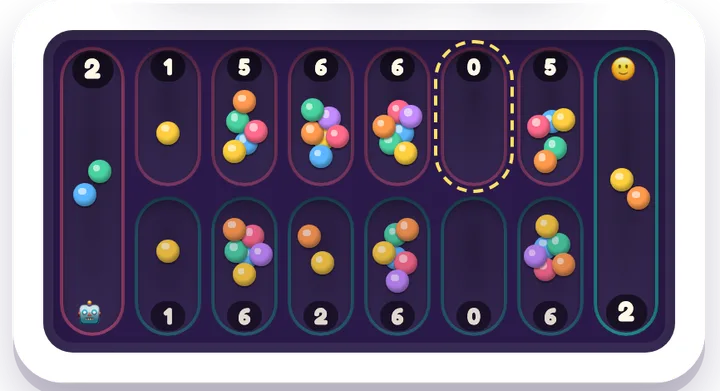
- Checkers — a turn-based game against the computer with a real ending (a win, a loss or a draw), and nothing starts by itself afterwards. Easy, Medium or Hard. For younger kids, Mancala (from age 5) is a calm counting game that ends when one row of pits is empty.
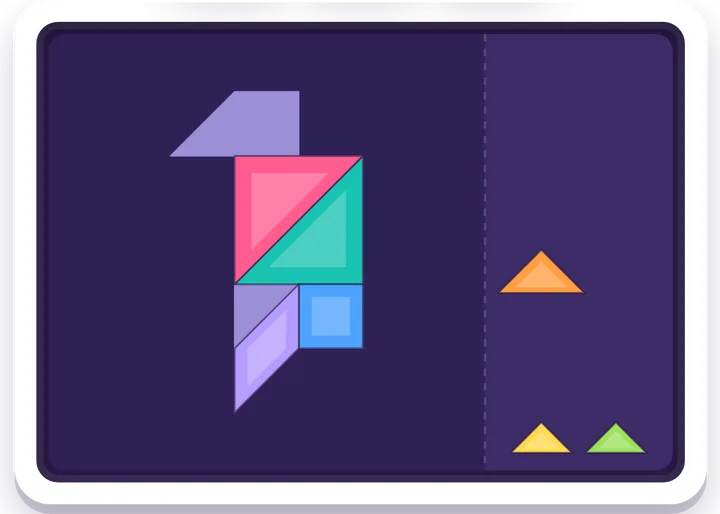
- Tangram — fit all seven pieces into the shape; any arrangement that fills it counts. Hands-on and quiet, from about age 5.
What these have in common is a shape: a defined board, a clear goal, and a moment where it's solved. That's the opposite of an infinite feed. Your kid finishes a thing, feels the small win, and there's nothing dangling a "next episode" in front of them. Several of them — Sudoku, Nonogram, Word Guess, 2048 — are exactly the kind of quiet puzzle plenty of grown-ups reach for on a commute, which is a good sign: they reward attention rather than exploit it.
Want to browse by the kind of thinking you're after? There are full hubs for logic games, math games, word games, memory games, board games against the computer and spatial puzzles. And because most games include Hints, Watch-Solve and easy/medium/hard levels, a tricky board never has to end in frustration — your child can ask for a nudge instead of either giving up or melting down. The difficulty levels also mean the same game can be a five-minute warm-up or a proper challenge, so it grows with your kid instead of being outgrown in a month.
Dark mode for evening wind-down
When the games are part of a bedtime routine rather than a fight before bed, the lighting helps. Every game has a dark theme that's easier on the eyes after sunset, so a last calm round before lights-out doesn't mean a bright screen blasting away in a dim room. Pair it with a quiet pick like Sudoku or Nonogram and it's a gentler way to end the day than a video that just rolls into the next one.
Set an easy limit (because nothing fights you on it)
Here's the part that makes a limit actually stick: nothing on iplay.free is built to keep your kid playing past it. There's no "one more level to keep your streak," no reward that resets at midnight, no autoplay carrying them into the next thing. So "two more puzzles, then we're done" works — because the game agrees with you. Pick a number of rounds or a soft timer, and when it's up, the game doesn't pull in the other direction.
A few setups that work well in practice: agree on a count rather than a clock ("three Sudokus, then dinner") so the finish line is concrete and your kid controls the pace to it; let them choose which games, so the limit feels like a deal and not a punishment; and lean on the fact that each round is self-contained, which means you can call time at any natural break instead of mid-action. None of that requires an app blocker or a screen-time dashboard — the games simply don't resist the limit, so you don't have to enforce it against a machine that's working against you.
Quick answers for parents
Are browser games safe for kids? They can be — it depends entirely on the site. The risks in casual web games are almost always the ads (pop-ups to mis-tap, unsuitable content in ad slots), the trackers, and accounts or chat that expose kids to strangers. iplay.free has none of those: no ad networks, no third-party tracking, no logins, and no messaging. The games run right in the browser with nothing to install, so there's no app permission to grant either.
How do I make screen time more positive? Choose the design, not just the duration. Favour games that end cleanly over feeds that autoplay; pick ones that build a skill over ones that just refresh; and avoid anything with daily-streak guilt or push notifications. A twenty-minute round of Sudoku or Memory Match that your kid can put down on their own is worth more than the same twenty minutes on something engineered to never end.
What makes a game "screen-time-friendly"? A screen-time-friendly game is one that's calm by design: no ads, no tracking, no account or chat, no in-app purchases, and — crucially — no mechanics built to keep a child playing past a sensible stopping point. It has a clear goal and a real finish, it builds a genuine skill, and it lets your kid (and you) walk away without a fight. Every game on iplay.free fits that description.
Read next
For the full parent's overview, start with our parents' guide to free, ad-free games. Then go age-by-age: ages 4–6, brain games for ages 7–9, and logic games for tweens.
Ready to swap the draining kind for the calm kind? Browse all free games →