Brick Bop
Bounce the ball and break every brick
💥 Bounce the ball, break every brick, catch the power-ups!
Arcade · Ages 5+
Like every game on iplay.free, Brick Bop is completely free — no ads, no sign-up, and no downloads. It runs right in your browser, so there's nothing to install and nothing to buy. With no ads and no account, it's safe to hand to a child and easy to pick up any time.
How to play Brick Bop
- Goal: Bounce the ball into the bricks and break every one to clear the stage.
- How to play: Move the paddle by dragging anywhere on the board, with the mouse, or with the ← → arrow keys. Tap, click or press Space to launch the ball. Where the ball lands on the paddle steers it: the middle sends it straight up, the ends send it off to that side.
- Win: Break every brick. You have 3 lives — you lose one when your last ball falls past the paddle. ⭐⭐⭐ if you lose no lives, ⭐⭐ if you lose one, ⭐ if you lose more. Using Hint or Demo makes two stars the most for that stage.
Game modes
Pick the level that suits you — Brick Bop offers 3 ways to play:
- Easy
- Medium
- Hard
Skills you'll practise
hand-eye coordination, aim, quick thinking, spatial awareness
Did you know?
🧱 Bouncing a ball into a wall of bricks first became an arcade game in 1976 — and its prototype was built in just four days by Steve Wozniak with Steve Jobs — two of Apple's three founders.
Frequently asked questions
- Is iplay.free really free?
- Yes — every game is completely free, with no ads, no sign-up, and no downloads. There's nothing to buy and no premium tier: it's free forever.
- Do I need an account or sign-up?
- No. Games play instantly in the browser — no login, no email, and no personal details are ever required.
- Are there any ads?
- None. iplay.free runs no ad networks, so there are no banners, no pop-ups, and nothing to mis-tap — which is part of why it's safe to hand to a child.
- Is it safe for kids?
- Yes. Because there are no ads, no chat, and no account, there's nothing inappropriate to stumble into and no personal details to hand over. You can pass a device to a child without worrying about pop-ups or accidental purchases.
- Do I need to download or install anything?
- No. Everything runs in your web browser — there's no app to install and no updates to manage. Just open a game and play.
- What devices and browsers work?
- Any modern browser — Chrome, Safari, Firefox, or Edge — on a phone, tablet, laptop, or desktop, including school Chromebooks.
More free games
 Popular
Block Drop
Stack the falling blocks and clear lines
 Popular
Bubble Shooter
Aim, match 3, and pop them all!
Snake
The classic grow-the-snake arcade game
 Popular
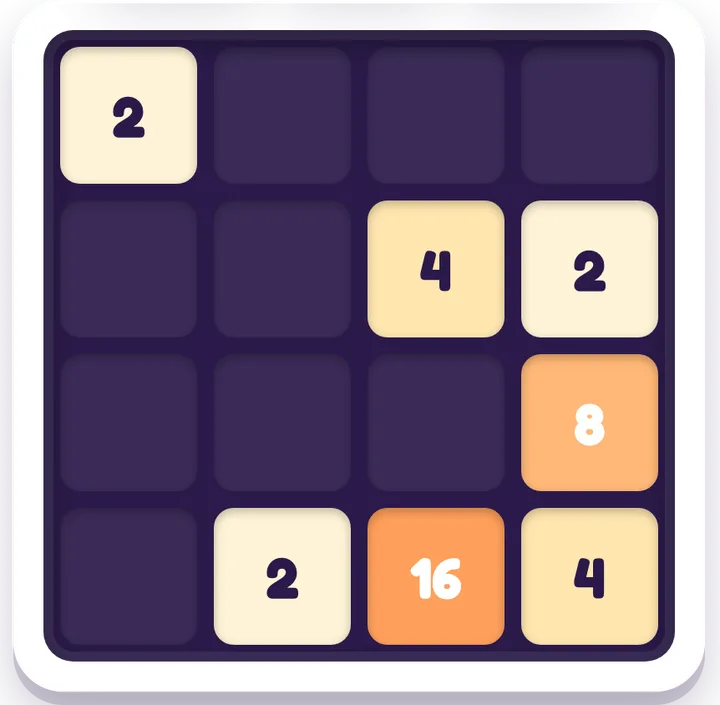
2048
Slide and merge tiles to reach 2048
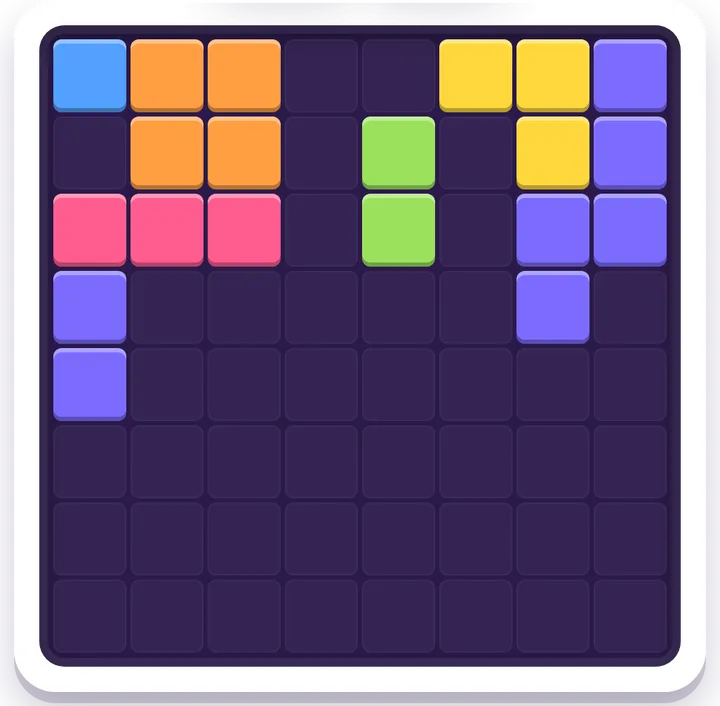
Block Puzzle
Drop blocks, clear lines, beat your best.
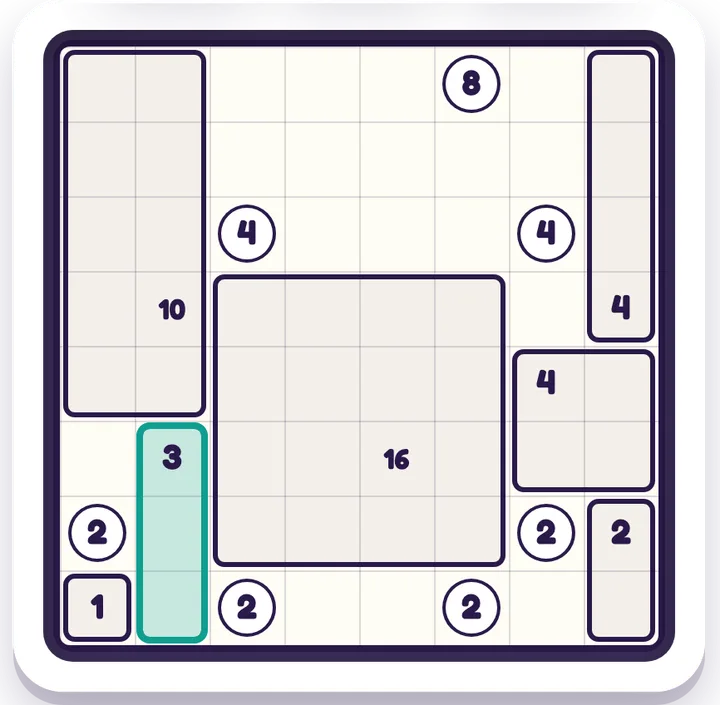
Box Split
The rectangle logic puzzle — split the grid so each number is its box's size