Free Card Games for All Ages
Patience card games you play on your own, at your own pace. Free forever — no ads, no sign-ups, and no downloads, on any device.
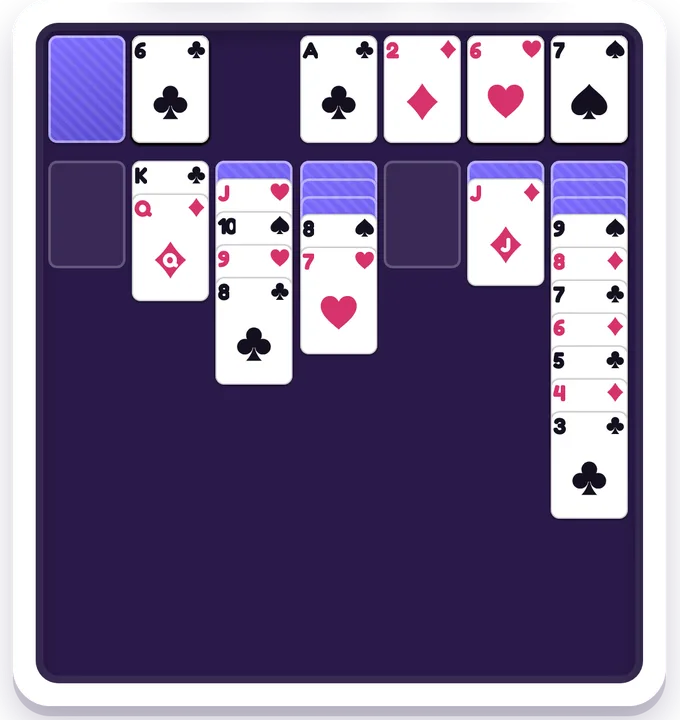
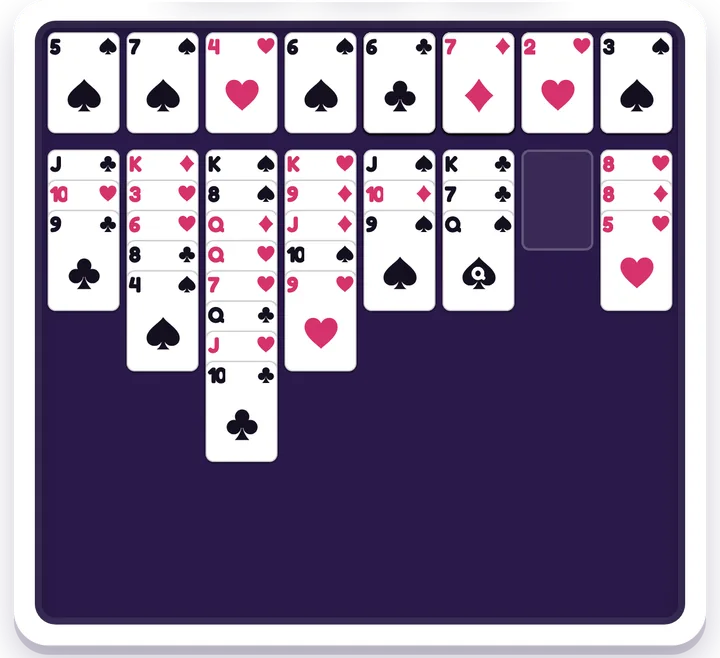
Solitaire is Klondike, the classic: seven columns, a deck to draw from, and four home piles to build from Ace to King. Choose Draw 1, Draw 3, or a harder Draw 3 that lets you turn the deck over only twice. FreeCell deals every card face up from the start and gives you four free cells — three on Hard — to park cards while you dig, so it's a game of planning rather than luck. In both, every numbered deal has been solved by a computer before it was added, so if you get stuck, the deal can still be won by going back a few moves and trying a different way. Undo is always free, Hint suggests a move, and Watch Solve plays a winning line from the start.
Play these free games
What these games build
planning, sequencing, and patience.
Frequently asked questions
- What's the difference between Solitaire and FreeCell?
- In Solitaire (Klondike) most cards start face down and new ones come from the deck, so part of the game is discovering what you've got. In FreeCell all 52 cards are face up from the first move, and the free cells give you room to rearrange, so you can plan a whole sequence before you touch a card.
- Can every deal be won?
- Every numbered deal here, yes — each one was solved by a computer before it went in. If you get stuck, the deal can still be won from an earlier position: use Undo to step back, or tap Hint for a suggestion.
- Is using Undo cheating?
- Not here — Undo is always free and never costs a star. Stars count hints instead: no hints earns three, one or two earns two, and more hints, or watching the solution first, earns one.
- What age are these card games for?
- From about 7. Solitaire's Draw 1 is the gentlest start, and it quietly practises counting up and down and telling red from black. FreeCell asks for more planning ahead, which suits older children and adults — Easy uses deals with shorter solutions.
- Do they work on a phone?
- Yes. The cards resize to fit the screen, and you can tap a card and then tap where it goes, or drag it. On a computer you can also play with the keyboard.