
Chess Puzzles
Checkmate puzzles for kids: mate in 1, mate in 2 and piece paths
♟️ Learn how the pieces move, then trap the king: checkmate!
Board · Ages 6+
Like every game on iplay.free, Chess Puzzles is completely free — no ads, no sign-up, and no downloads. It runs right in your browser, so there's nothing to install and nothing to buy. With no ads and no account, it's safe to hand to a child and easy to pick up any time.
How to play Chess Puzzles
- Goal: In Easy, move your piece to grab every gem. In the other levels, find the checkmate: trap the other king so it can't escape.
- How to move: Tap your piece, then tap the square where it should go. You can also drag it there. On a keyboard, move around with the arrow keys and press Enter to pick up and put down.
- Stars: In Easy, finish in the fewest moves for 3 stars. In checkmate puzzles, no wrong moves earns 3 stars, 1 or 2 wrong moves earn 2. One hint caps a puzzle at 2 stars, two hints at 1, and Watch Solve at 1. Wrong tries in Easy and Undo are free!
Game modes
Pick the level that suits you — Chess Puzzles offers 4 ways to play:
- Easy
- Medium
- Hard
- Expert
Skills you'll practise
planning, logical reasoning, pattern recognition
Did you know?
🏺 Chess puzzles are more than 1,000 years old! In the 800s and 900s, masters at the caliphs' court, such as al-Adli and as-Suli, wrote down puzzle positions called mansubat for shatranj, the older game that grew into chess.
Frequently asked questions
- Is iplay.free really free?
- Yes — every game is completely free, with no ads, no sign-up, and no downloads. There's nothing to buy and no premium tier: it's free forever.
- Do I need an account or sign-up?
- No. Games play instantly in the browser — no login, no email, and no personal details are ever required.
- Are there any ads?
- None. iplay.free runs no ad networks, so there are no banners, no pop-ups, and nothing to mis-tap — which is part of why it's safe to hand to a child.
- Is it safe for kids?
- Yes. Because there are no ads, no chat, and no account, there's nothing inappropriate to stumble into and no personal details to hand over. You can pass a device to a child without worrying about pop-ups or accidental purchases.
- Do I need to download or install anything?
- No. Everything runs in your web browser — there's no app to install and no updates to manage. Just open a game and play.
- What devices and browsers work?
- Any modern browser — Chrome, Safari, Firefox, or Edge — on a phone, tablet, laptop, or desktop, including school Chromebooks.
More free games
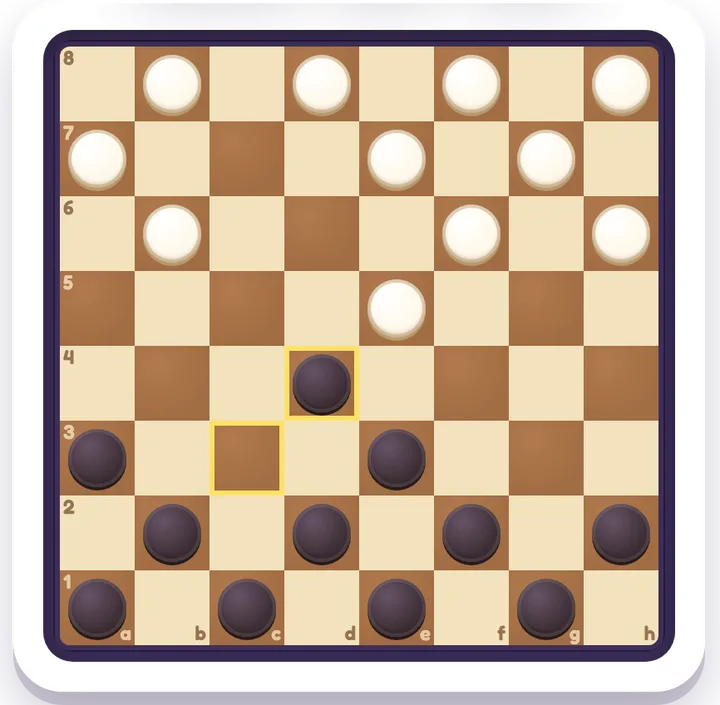 Popular
Checkers
Jump, capture and crown your kings against the computer — with American, Brazilian or Russian rules.
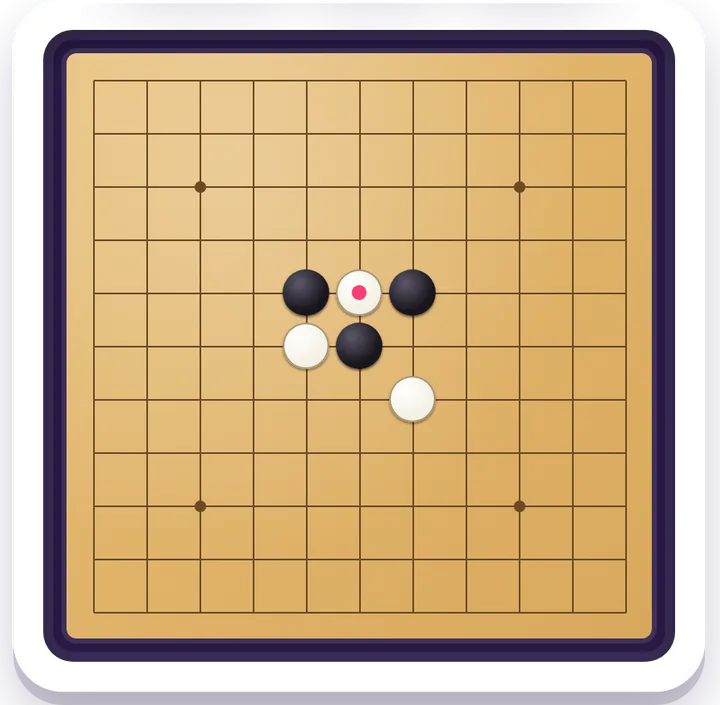 Popular
Gomoku
Take turns placing stones and be the first to line up five in a row against the computer.
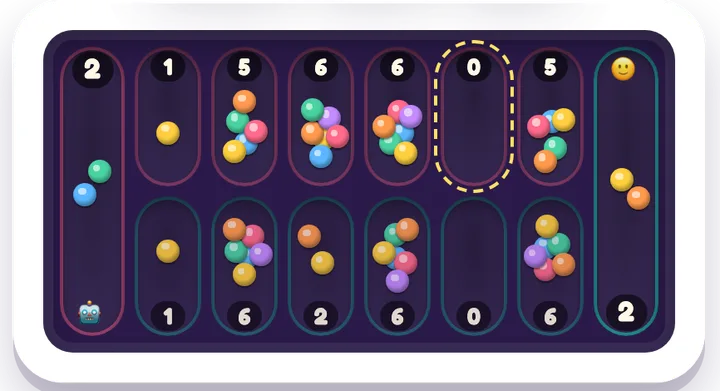
Mancala
Sow seeds and out-collect the computer in this ancient counting game.
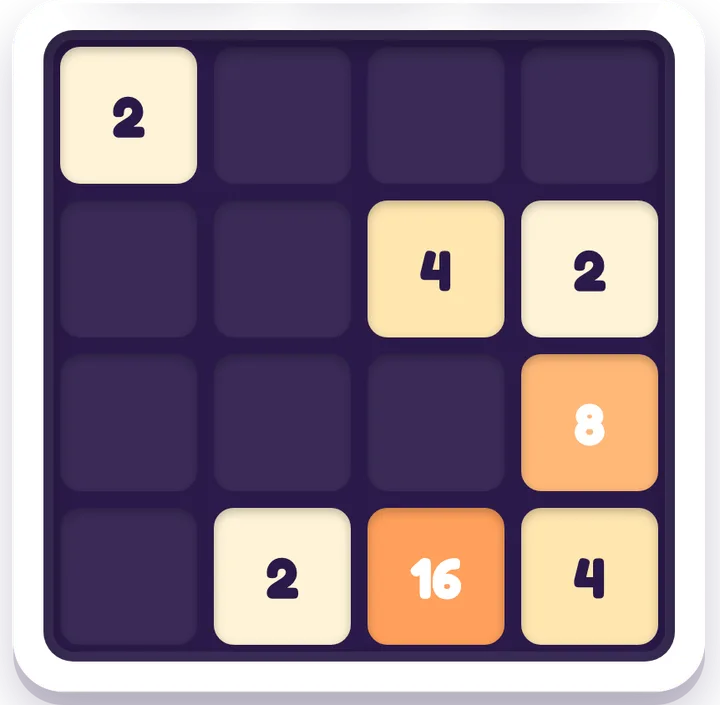
2048
Slide and merge tiles to reach 2048
Block Drop
Stack the falling blocks and clear lines
Block Puzzle
Drop blocks, clear lines, beat your best.