Jigsaw Puzzles by Age: How Many Pieces? No Ads
By Jangul Aslam · Published 2026-11-29
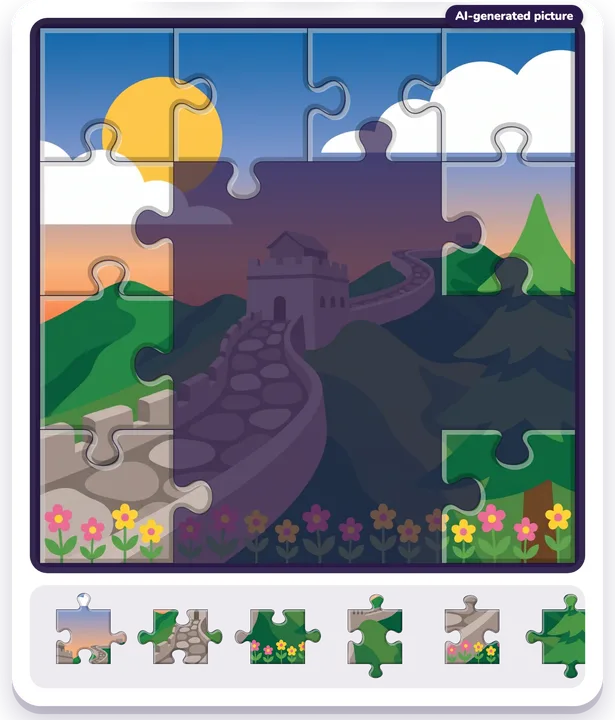
A simple rule for jigsaw pieces by age: start small and go up a size when a puzzle feels easy. On an online jigsaw, most 4- and 5-year-olds can start on 9 pieces, 6- and 7-year-olds on 16 to 25, children from 8 on 25 to 36, and older children and adults on 64 or 100 on a tablet or computer. Every child is different, so treat these numbers as a starting point, not a rule.
You can play it free in Jigsaw Puzzle on iplay.free, with real pieces that snap into place: no ads, no sign-up and nothing to download, in 12 languages.
How many pieces for each age on screen? A rough guide
| Age | Try | Why |
|---|---|---|
| 4 to 5 | 9 pieces, or Swap cards | Big pieces, and the picture explains itself |
| 6 to 7 | 16, then 25 pieces | Edges and colours start to guide the way |
| 8 to 10 | 25 to 36 pieces | Enough pieces to need a plan |
| 11 and up | 64 or 100 pieces | A longer, calmer challenge (needs a larger screen) |
These numbers are for the screen game. Cardboard puzzles for the same ages usually have more pieces, so the number on a puzzle box won't match. If a puzzle is over in a minute, go up a size. If it turns into a struggle, go down one, or keep the faint picture switched on.
The sizes you can play
Jigsaw Puzzle comes in six sizes: 9 pieces (3×3), 16 (4×4), 25 (5×5), 36 (6×6), 64 (8×8) and 100 (10×10). The game only offers the sizes whose pieces are big enough to handle on your screen, so on a phone held upright the 64- and 100-piece puzzles don't appear, and the narrowest phones stop at 16 or 25. A tablet or computer shows all six.
How to play
- Drag a piece up from the tray onto the picture. Drop it near its spot and it snaps in.
- Or tap, then tap. Tap a piece, then tap where it goes.
- Join pieces. Pieces you leave on the board stay there. Put two that fit next to each other and they join, then move together.
- Finish the picture. When every piece is in place, you're done.
You can also play with the keyboard: pick a piece in the tray with the arrow keys and press Enter, move it with the arrows, then press Enter to put it down.
The easiest way to start: Swap cards
For a first puzzle, pick 🃏 Swap cards in ⚙️ Settings. Instead of jigsaw shapes, the picture is cut into square cards that are mixed up on the board. Tap two cards to swap them, and keep going until the picture is right. There's no tray and no need to drag (two taps swap the cards), which makes it a gentle start for 4-year-olds.
Help when you're stuck
- 👀 Peek: hold it to see the whole picture. Peek is free and never costs a star.
- 💡 Hint shows where a piece goes.
- ✨ Watch Solve shows the puzzle being finished.
- 👻 Faint picture on the board is on by default and shows a ghost of the picture under the pieces. Switch it off in Settings for a bigger challenge.
Finish with no hints for 3 stars. A few hints, about one for every eight pieces, still earn 2 stars, and more earn 1. After Watch Solve, the puzzle is worth 1 star. There's no time limit, though a Time counter at the top shows how long you've been playing.
Five tips for finishing any jigsaw
- Do the edges first. Edge pieces have a straight side, so they're easy to spot. A finished frame gives you a shape to fill.
- Sort by colour. Group the sky, the grass or a building together, then build each area on its own.
- Look for landmarks. A rooftop, a horizon or a bright patch of colour tells you roughly where a piece belongs.
- Peek before you hint. Holding Peek costs nothing, and often one look is enough.
- Build little islands. Join a few pieces anywhere on the board. Joined pieces move together, so you can slide a finished island into place.
The pictures
Each new puzzle uses a different world landmark, such as the Taj Mahal, the Great Wall or the Eiffel Tower, until you choose a picture yourself in ⚙️ Settings. These landmark pictures, like all the 🌍 World pictures, are AI-generated, and the game labels each one that way. There are also a few simple drawn pictures.
A little history
The first jigsaw puzzles were maps. In the 1760s, a London mapmaker glued maps onto wood and cut them into pieces along borders, such as the borders of countries or counties, so children could learn geography by putting the world back together. The English name "jigsaw" came much later, from the fine saw used to cut the pieces.
Quick answers
How many puzzle pieces for a 4-year-old? On a screen jigsaw, start with 9 pieces, or the even easier Swap cards, where you tap two square cards to swap them. Cardboard puzzles for this age usually have more pieces.
How many pieces for a 6-year-old? On screen, try 16 pieces, then 25 when that feels easy. Cardboard puzzles for this age usually have more.
What size suits adults? 64 or 100 pieces on a computer or tablet. On a phone, the game offers only the sizes whose pieces are big enough to handle, up to 36.
Does Peek cost stars? No. Holding Peek to see the whole picture is always free. Hints and Watch Solve affect your stars.
Is it free? Yes. There are no ads, no sign-up and nothing to download.
More picture and shape puzzles
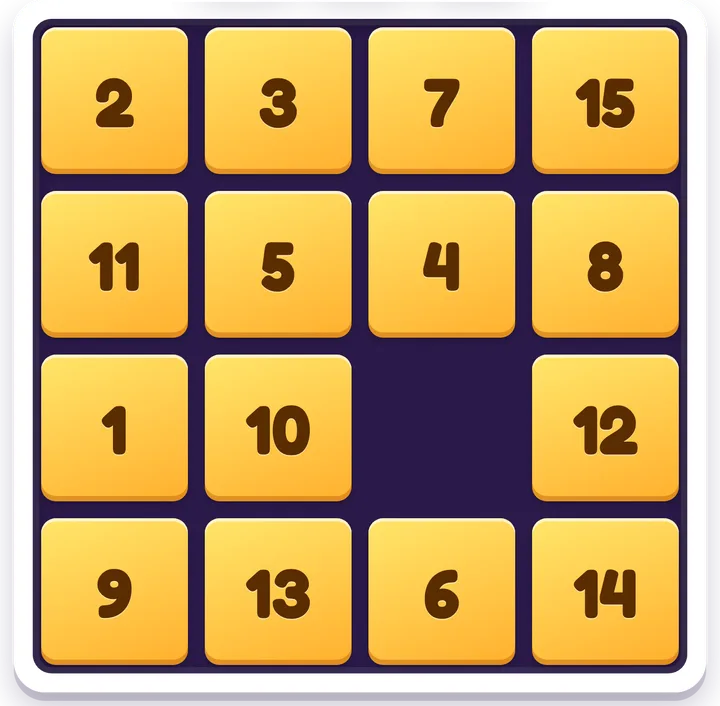
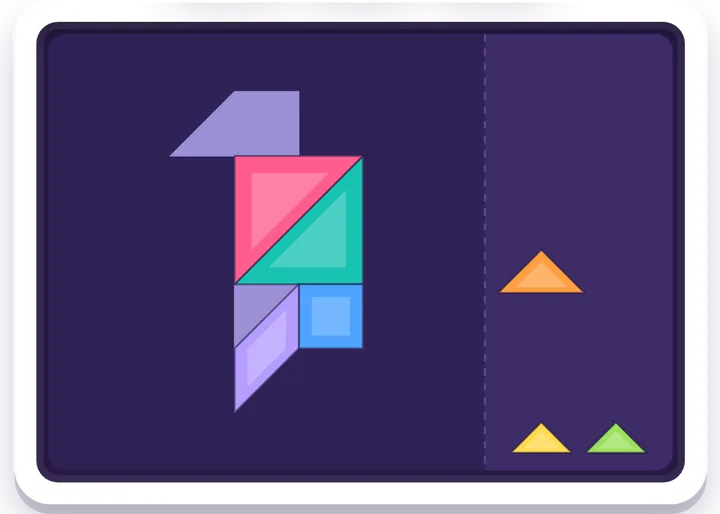
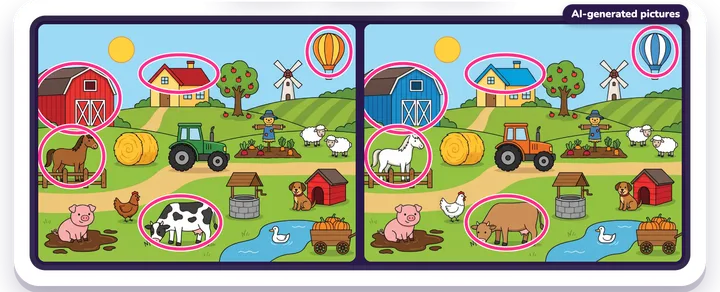
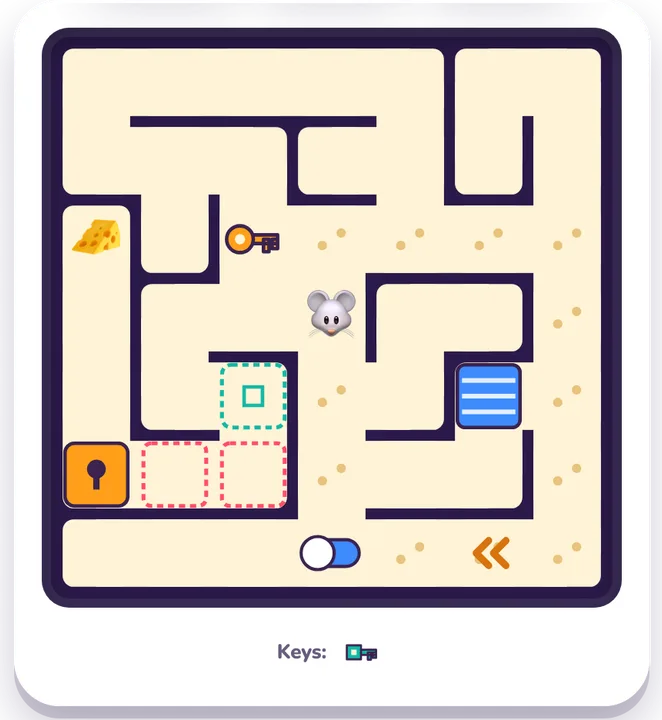
For more hands-on puzzles, try Slide Quest, the classic 15-puzzle, or Key Maze, with keys, gates and one-way arrows. Tangram is the classic seven-piece shape puzzle, and Spot the Difference asks you to find the sneaky changes. Find more in the spatial games hub and the puzzle games hub. For younger children, see our ad-free games for ages 4 to 6.
Ready to start? Play Jigsaw Puzzle free → or browse all free games →